
Update · Scores & Sharing
Update: a High scores button on the home screen
Open and close the high score table from the top left of the home screen.
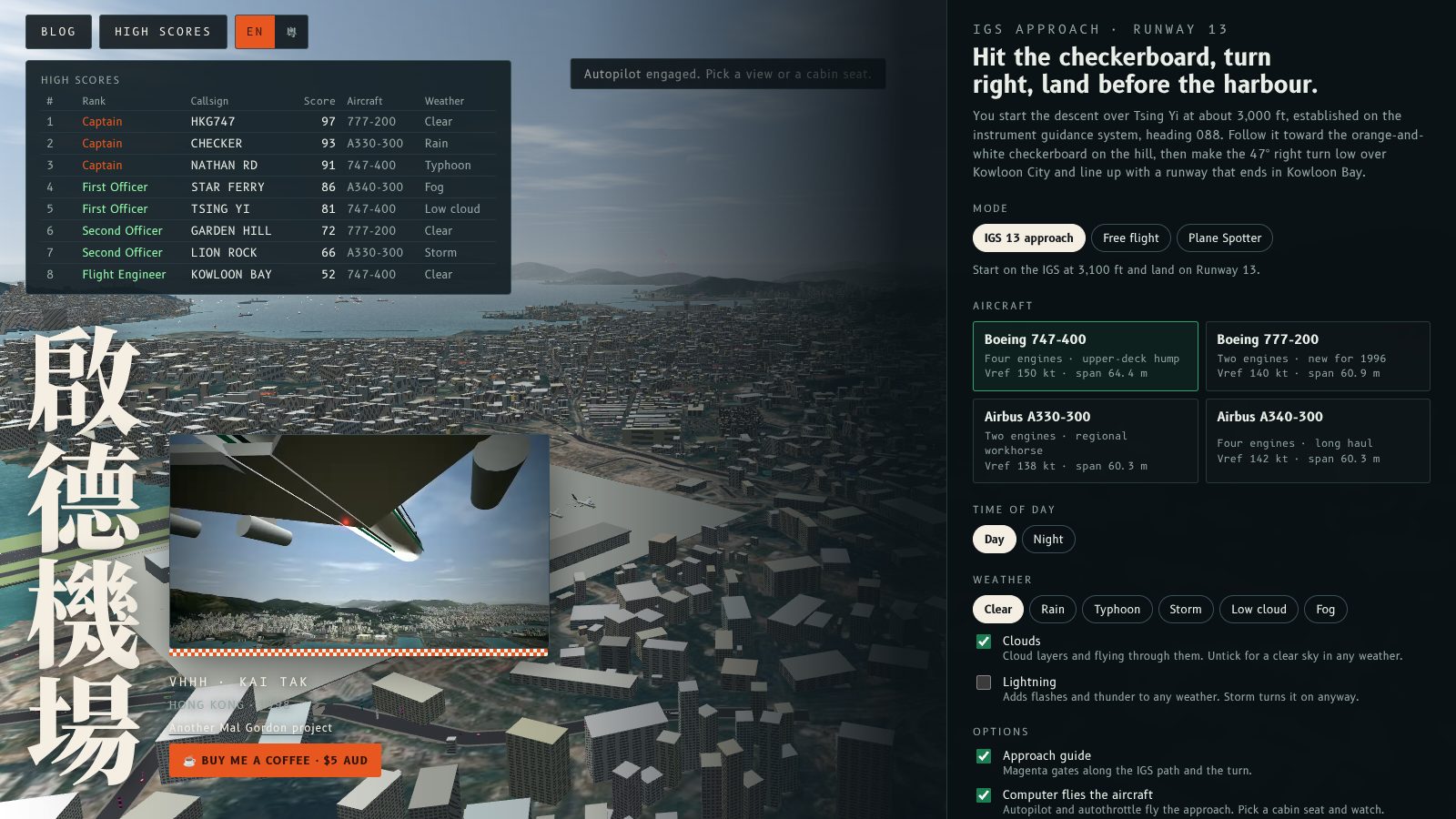
The home screen now has a High scores button at the top left, next to Blog and the language toggle. Press it to open the table and press it again to close it.
It shows the top ten landings with each rank, callsign, score, aircraft and weather. The panel stays open or closed the way you left it, and Esc closes it. See the high score table post for how ranks work.
主畫面左上角而家有最高分掣,喺 Blog 同語言切換旁邊。㩒一下打開榜單,再㩒一下就收埋。
面板會顯示頭十次降落,包括官階、呼號、分數、機型同天氣。面板會記住你上次嘅開關狀態,㩒 Esc 就可以收埋。官階點計,請睇最高分榜文章。
More from the blog
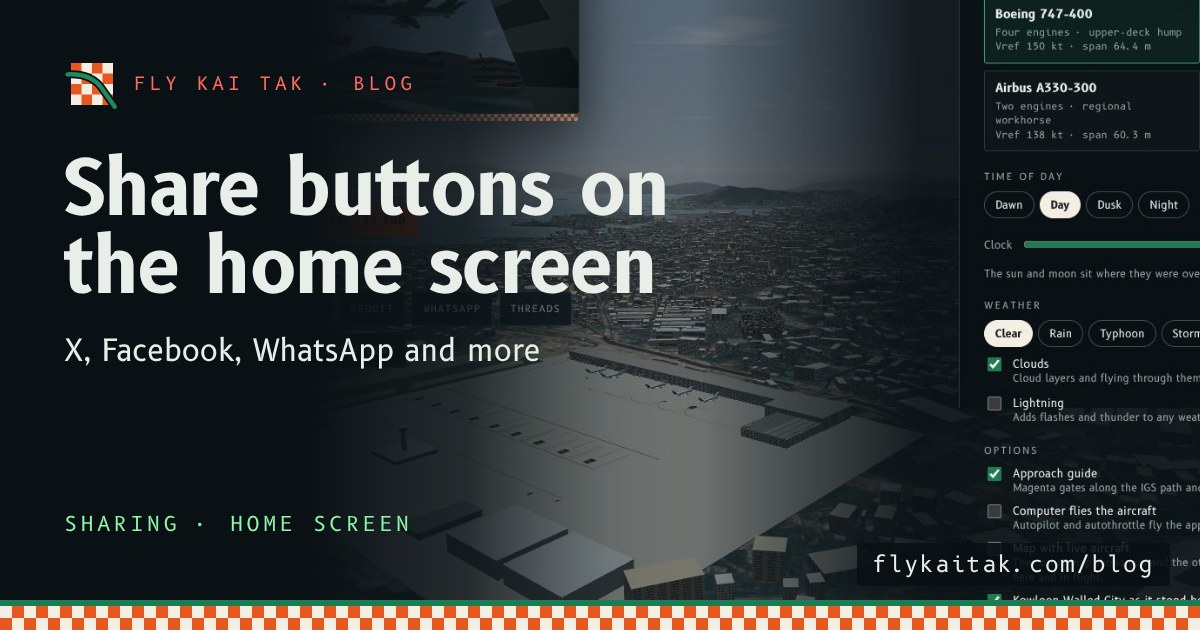
Share buttons on the home screen
The home screen now has share buttons for X, Facebook, Reddit, WhatsApp, Threads, email, copy link and the system share sheet, in English or Cantonese.
Read the post →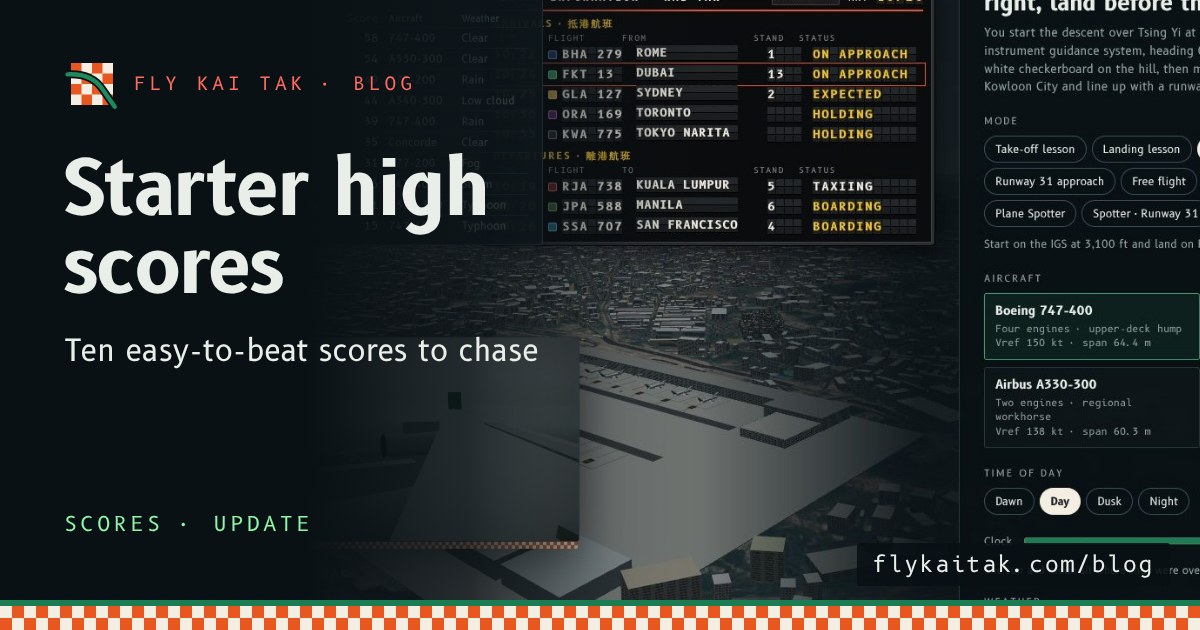
Update: starter scores on the high score table
Fly Kai Tak update: the high score table now starts with ten fictional, easy-to-beat scores, from 58 down to 15.
Read the post →