
Feature · Scores & Sharing
Replay videos with sound, radio calls and share links
Replay videos now have engine, wind and touchdown sound, the radio calls on screen, and a page of their own to share.
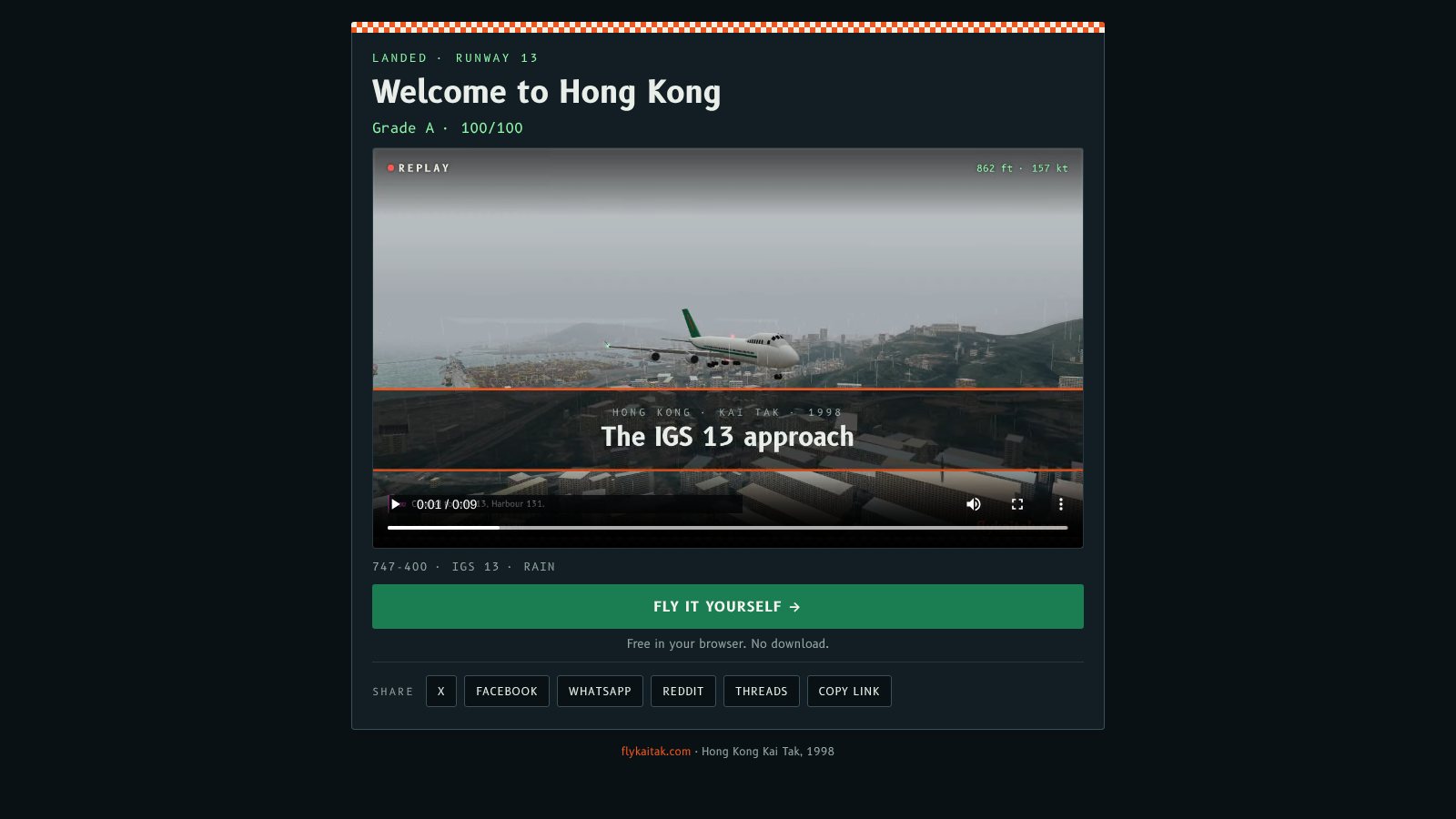
Replay videos now have sound, and the radio calls are on screen. There's also a new Get share link button: it puts your replay on its own page, so a link posted to X, Facebook or WhatsApp shows your result and plays the video.
A sound track
The sound is made from the same sound design you hear in flight. It's rendered alongside the video, frame by frame, so it matches what's on screen:
- Engines and turbine whine that follow the thrust, wind that rises with speed, and rain in wet weather.
- Gear rumble, reverse thrust, tyre squeal on the rollout, the thump of touchdown and, when it goes wrong, the crash.
- The mix follows the camera. On a fly-by the jet is faint in the distance, then loud as it passes. From the cockpit, the sound is muffled.
- The report card at the end gets a two-tone airport chime.
Radio calls
Tower and approach calls, and your read-backs, now appear in the replay and in the video, colour-coded like the in-flight radio. In the video each call opens and closes with the squelch click, with static underneath. The browser's spoken voices can't be recorded, so the words are captions.
Share links
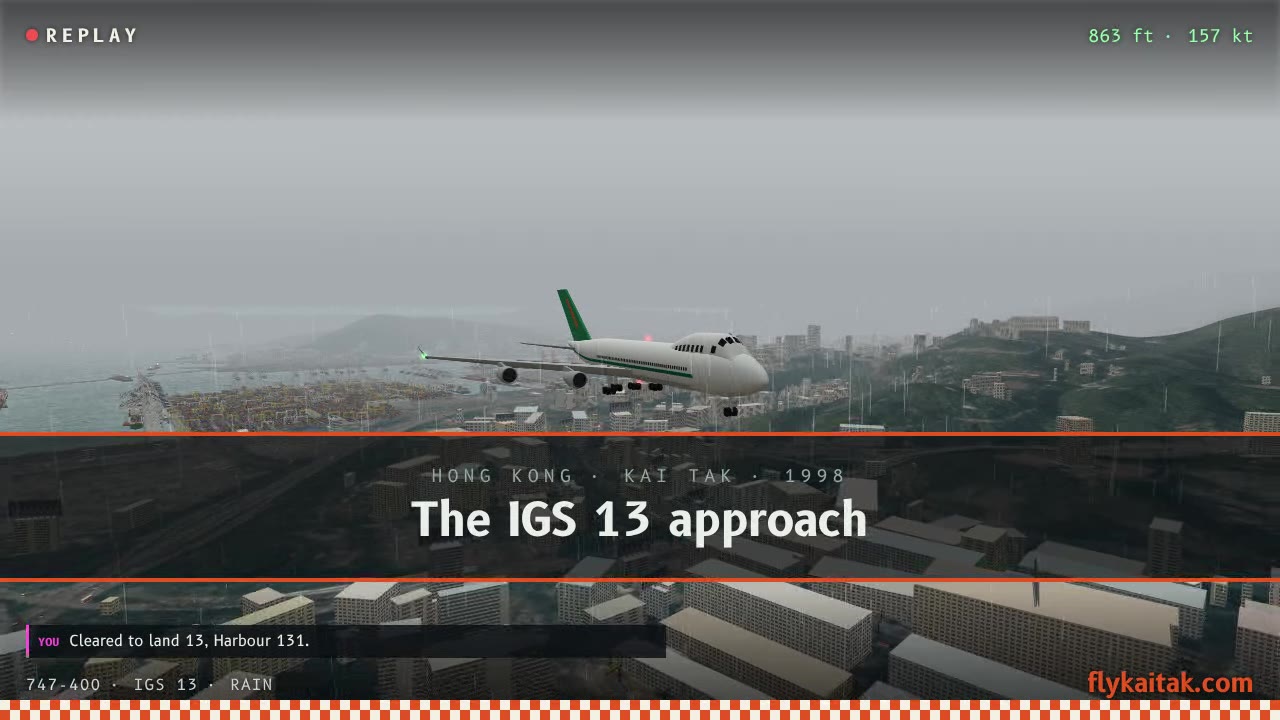
After you make a video, Get share link uploads it and gives you a link to a page with your video, your result and a Fly it yourself button. The page carries video tags, so the link previews with your report card on X, Facebook, WhatsApp, Reddit and Threads. Buttons for each are right under the link.
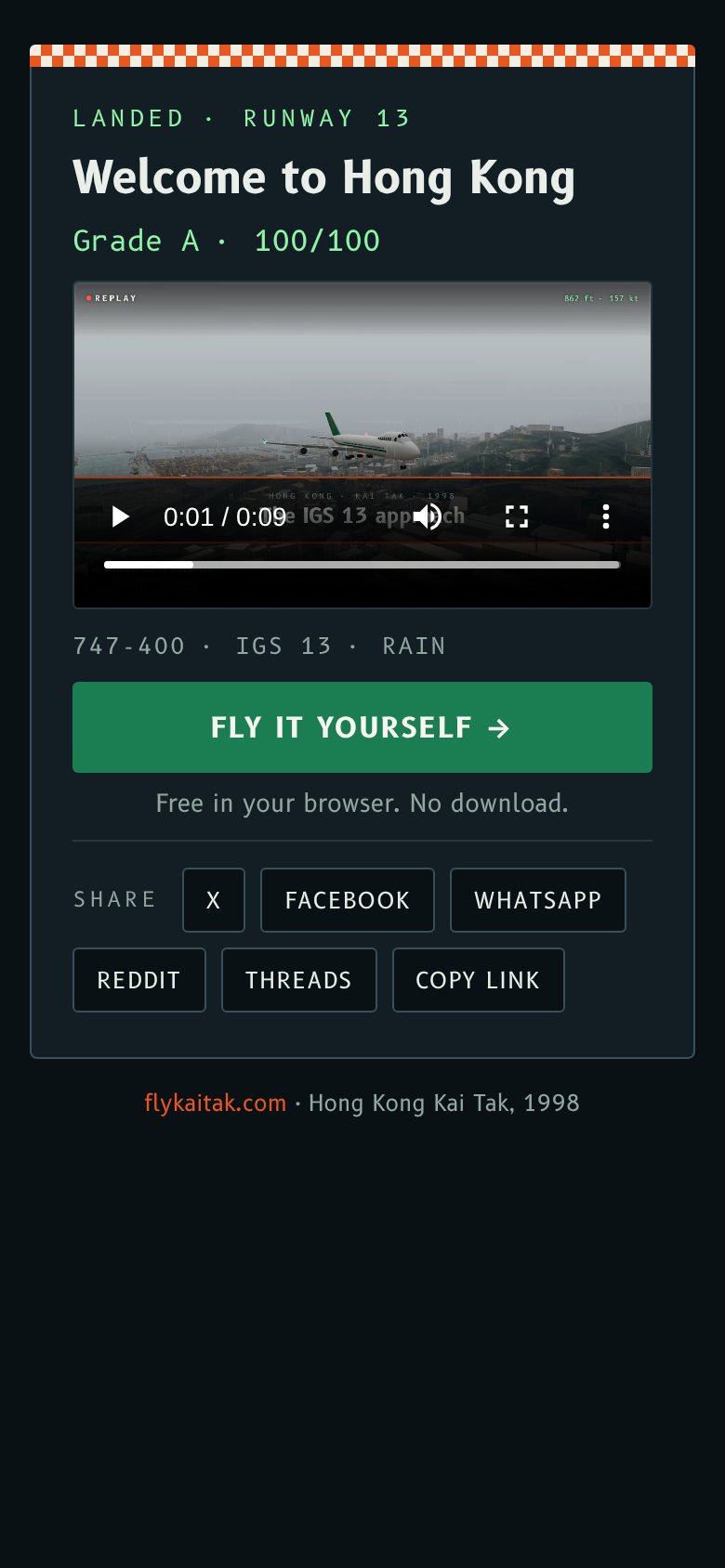
Share links are switched on separately from the sim, so the button appears only once the replay service is running. Download and the phone's share sheet work without it.
Uploads are limited to 12 an hour, and the pages are kept out of search engines. Nothing about you is stored with a replay, just the video and the result on the report card.
重播影片而家有聲,無線電通話亦都會喺畫面出現。仲有一個新嘅攞分享連結掣:將你嘅重播放上自己嘅網頁,喺 X、Facebook 或者 WhatsApp 貼連結,就會顯示你嘅成績同播放影片。
聲帶
影片嘅聲音用嘅係飛行時聽到嘅同一套聲效,同影片一齊逐格製作,所以同畫面完全吻合:
- 引擎同渦輪聲跟住推力變化,風聲隨速度增加,落雨天有雨聲。
- 起落架嘅震動聲、反推力、減速時輪胎嘅尖叫聲、著陸嗰下嘅撞擊聲,出事時仲有墜毀聲。
- 聲音跟住鏡頭:飛過鏡頭時,遠處好細聲,飛過嗰下好大聲;喺駕駛艙入面就悶啲。
- 最尾嘅成績表配上兩聲機場廣播鐘聲。
無線電通話
塔台同進近管制嘅通話,同埋你嘅覆誦,而家都會喺重播同影片入面出現,顏色同飛行時嘅無線電一樣。影片入面每段通話開頭同結尾都有靜噪「咔」一聲,底下有雜音。瀏覽器嘅語音錄唔到,所以內容用字幕顯示。
分享連結
整好影片之後,撳攞分享連結就會上載,然後畀你一條連結,網頁上有你嘅影片、成績同親自飛一次掣。網頁有影片標籤,所以喺 X、Facebook、WhatsApp、Reddit 同 Threads 貼連結都會顯示你嘅成績表預覽,連結下面就有各個平台嘅掣。
分享連結同模擬器分開啟用,重播服務運作之後先會見到個掣。下載同手機嘅分享選單就唔使佢都用得。
每個鐘頭最多上載 12 次,網頁唔會俾搜尋引擎收錄。重播唔會儲存任何關於你嘅資料,只有影片同成績表上嘅結果。
More from the blog
Highlights after every flight, and a video to share
Every Fly Kai Tak flight now ends with an automatic highlights replay. Save it as an MP4 in 16:9 or 9:16 to download or share on social media.
Read the post →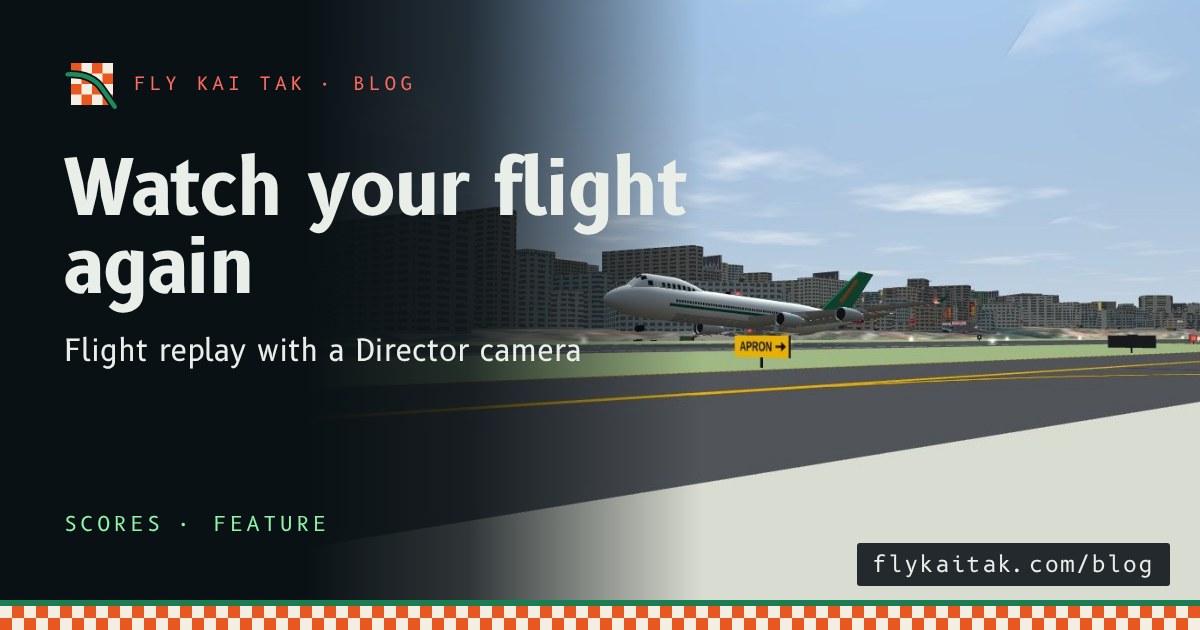
Watch your flight again: flight replay
Fly Kai Tak now records every flight. Watch it back with a Director camera that cuts to the checkerboard, the Kowloon City turn and touchdown.
Read the post →