
Update · Scores & Sharing
The first perfect 100, and a clearer name box
Someone has landed the IGS 13 approach for a full 100, but without a name. The result screen now asks for it clearly.
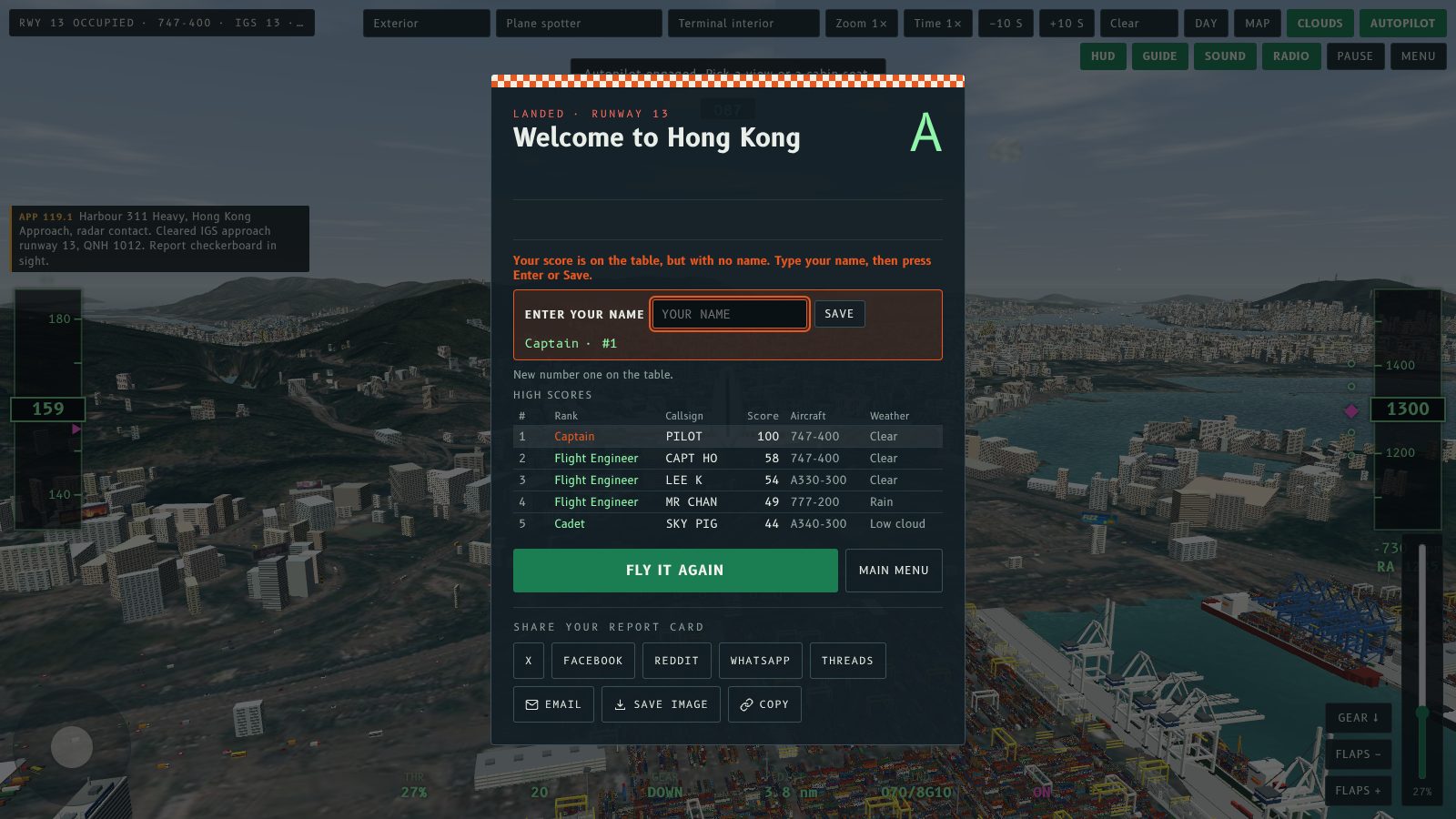
The Fly Kai Tak high score table has its first perfect 100. A pilot flew the IGS 13 approach by hand and scored full marks for touchdown rate, touchdown point, centreline, bank and airspeed, which is a Captain rank with nothing left to improve.
There is one catch: the name box was left empty, so the landing sits on the table as PILOT. Whoever you are, well flown. Come back and claim it.
Why the name was missed
The callsign box was a small field with a quiet label, and a landing is added to the table the moment you touch down. If you were looking at the grade, the table or the Fly it again button, it was easy not to see that the box was waiting for you.
A clearer name box
The result screen now asks for your name outright.
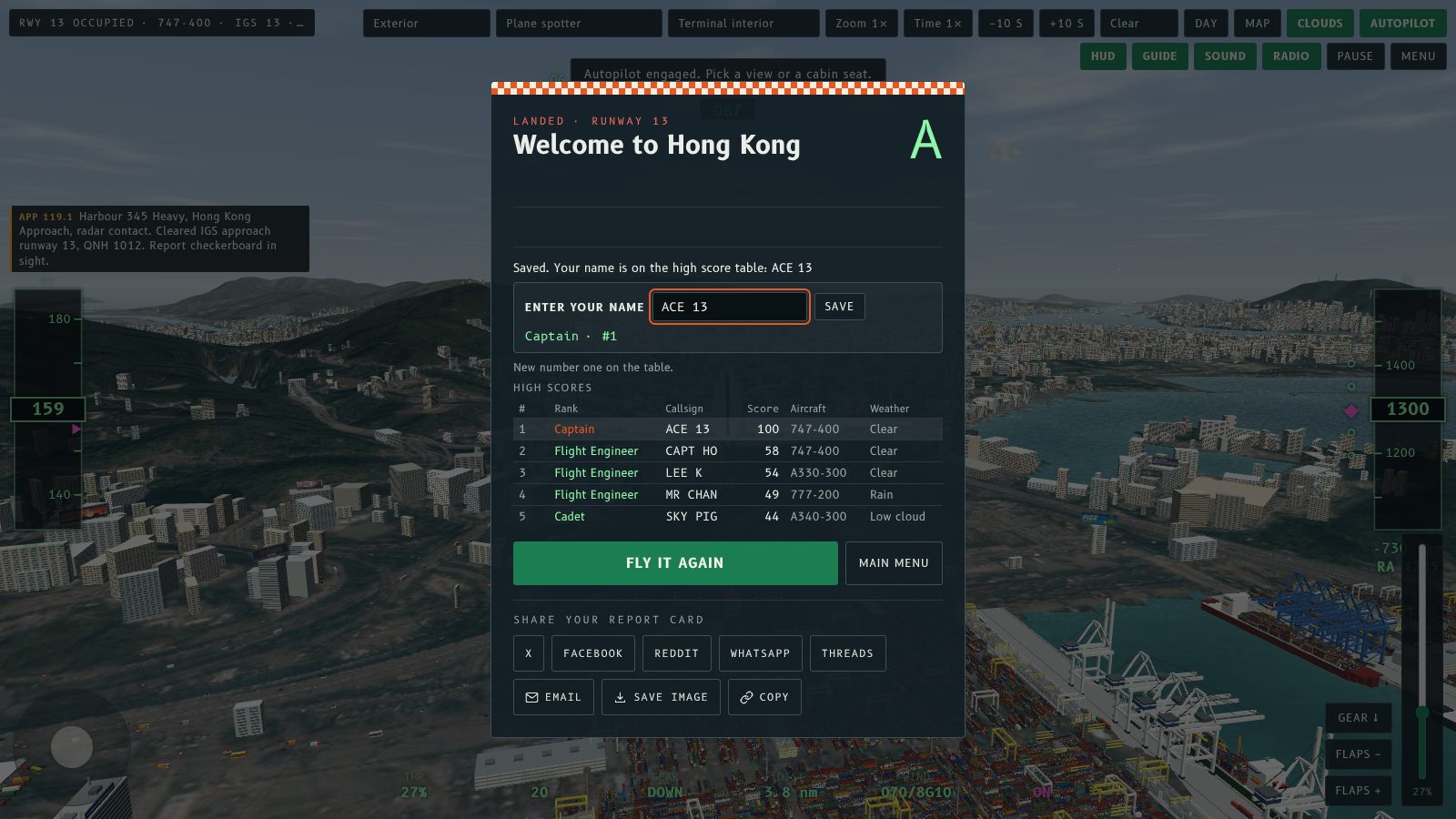
- Enter your name is the label, with a Save button beside the box. Type your name and press Enter or Save.
- If no name is saved yet, a line above the box says your score is on the table with no name, the box is outlined in orange and pulses a few times, and on a computer the cursor is already in it.
- On a phone or tablet the box is highlighted but not focused, so the keyboard does not cover your result.
- Once you save, the screen confirms the name and the table updates straight away.
- Leaving the box empty no longer saves PILOT as your name, so you are asked again next time.
Chasing the 100
Only hand-flown landings in the IGS 13 approach mode are ranked, so the autopilot does not count. The score is out of 100 for touchdown rate, touchdown point, centreline, bank and airspeed. 90 and above is Captain.
Your name is remembered in your browser, so you only type it once. You can change it on any later result screen.
Fly Kai Tak 最高分榜終於有第一個滿分 100。有位機師親手駕駛 IGS 13 進場,著陸速率、著陸點、中線、傾側同空速全部拎滿分,係冇得再進步嘅機長官階。
不過有一樣可惜:名字格子冇填,所以呢次降落喺榜上顯示成 PILOT。無論你係邊位,飛得好呀。返嚟認領啦。
點解會漏咗個名
呼號格子細細個,標籤又唔顯眼,而且一著陸就即刻上榜。如果你嗰陣睇緊評級、榜單或者「Fly it again」掣,好容易唔留意到個格子等緊你填名。
更清楚嘅名字格子
結果畫面而家直接問你個名。
- 標籤改成「輸入你嘅名」,格子旁邊有個「儲存」掣。打好名之後㩒 Enter 或者「儲存」。
- 如果仲未儲存過名,格子上面會有一行字話你嘅分數已經上榜但未有名,格子會有橙色外框同跳動幾下,用電腦嘅話游標已經喺格入面。
- 手機同平板會突出格子,但唔會自動彈出鍵盤,免得遮住你嘅結果。
- 儲存之後,畫面會確認個名,榜單即刻更新。
- 格子留空唔會再將 PILOT 儲存做你嘅名,所以下次會再問你。
挑戰 100 分
只有親手駕駛 IGS 13 進場模式嘅降落先會上榜,所以用自動駕駛唔計。分數滿分 100,按著陸速率、著陸點、中線、傾側同空速評分。90 分或以上就係機長。
你嘅名會記喺瀏覽器入面,所以只需要打一次。之後喺任何結果畫面都可以改。
More from the blog

Replay videos with sound, radio calls and share links
Fly Kai Tak replay videos now have a sound track and radio captions, and Get share link gives each replay a page that previews on X, Facebook and WhatsApp.
Read the post →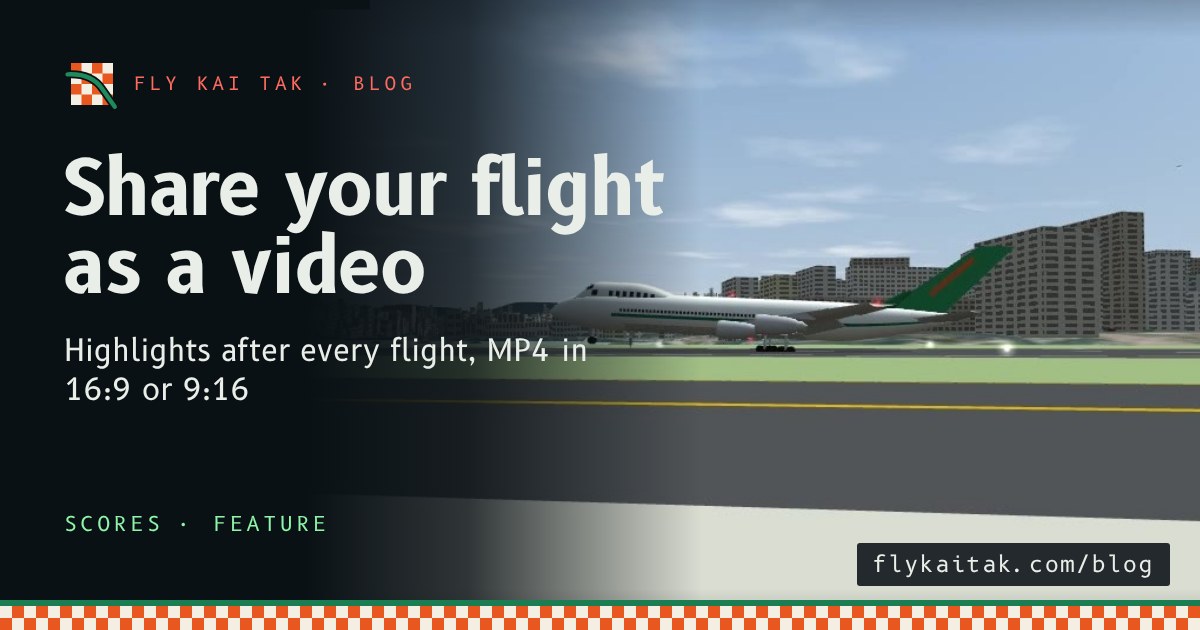
Highlights after every flight, and a video to share
Every Fly Kai Tak flight now ends with an automatic highlights replay. Save it as an MP4 in 16:9 or 9:16 to download or share on social media.
Read the post →