
Update · Site & Language
Update: the latest blog posts on the home screen
The five newest posts now sit on the home screen, one click from the full story.
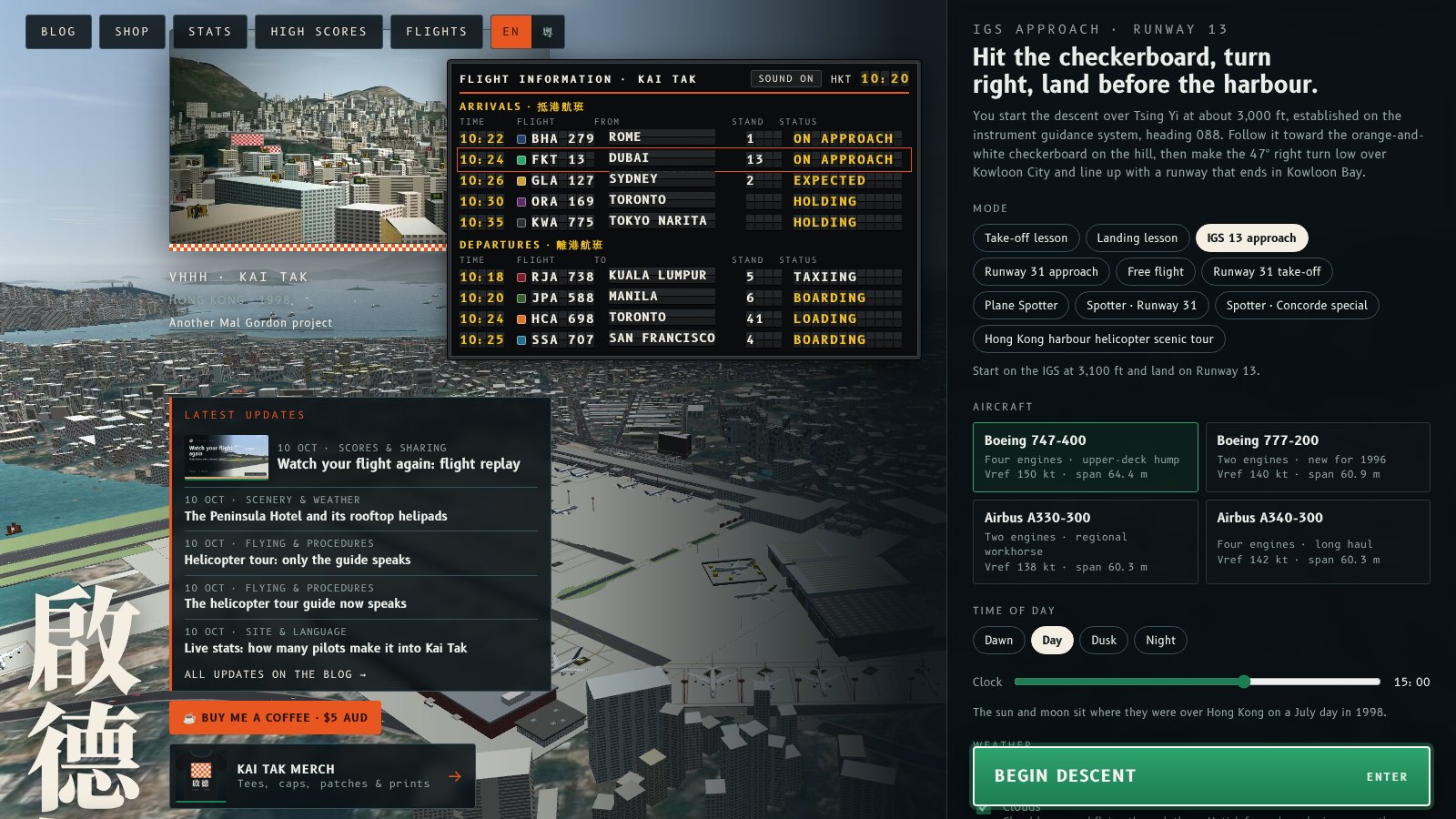
The home screen now shows a Latest updates panel under the Fly Kai Tak name. It lists the titles of the five newest blog posts, each with its date and category, and links straight to the post. The newest one has its card image.
All updates on the blog at the bottom of the panel opens the full blog. The list is rebuilt every time a post is published, so it is always current, and it works without JavaScript.
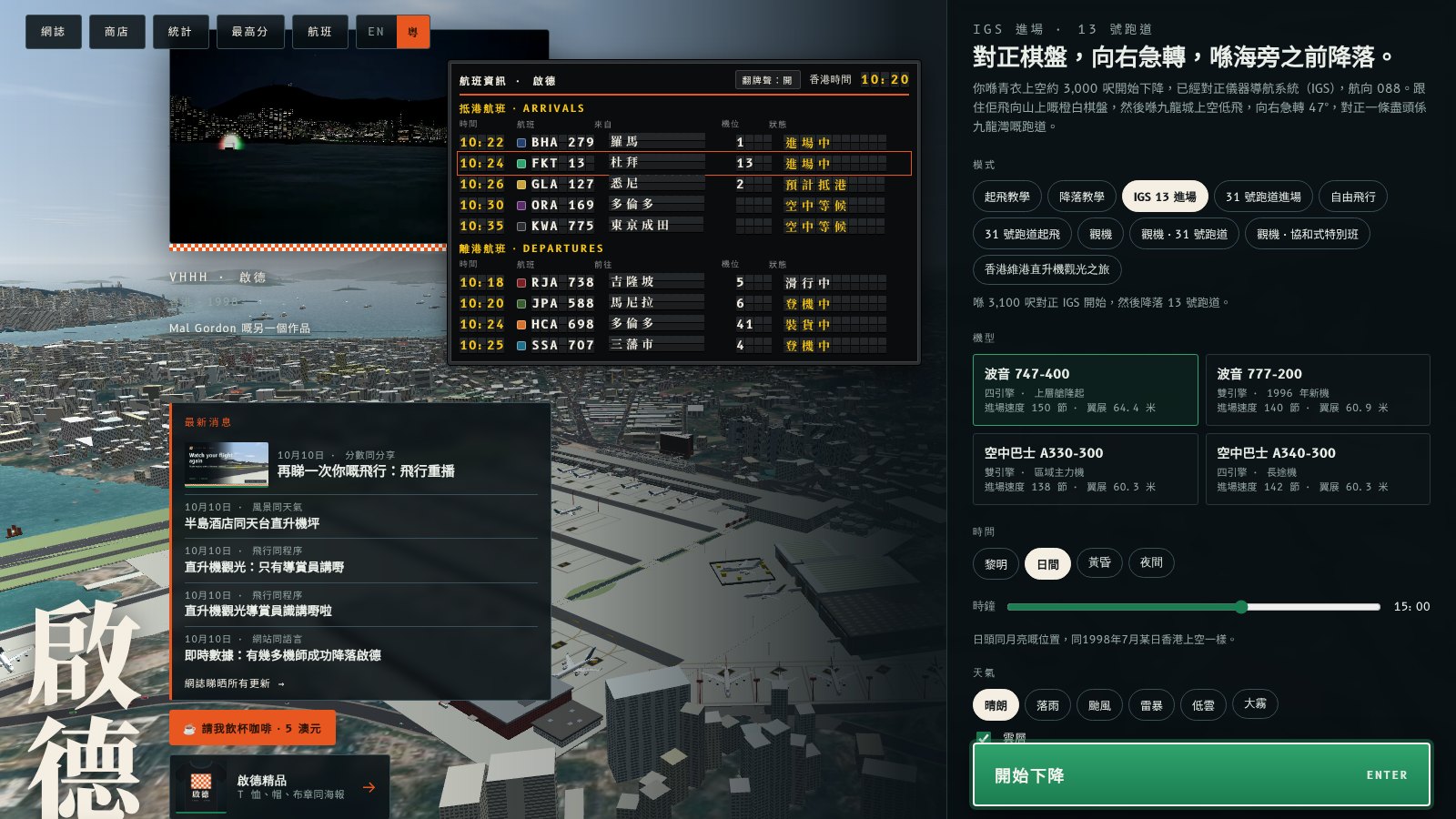
主畫面而家喺 Fly Kai Tak 個名下面多咗個最新消息面板,列出最新五篇網誌嘅標題,每篇都有日期同類別,㩒落去就直接開嗰篇文。最新嗰篇仲有張卡片圖。
面板底嘅網誌睇晒所有更新會打開成個網誌。每次出新文,呢個清單都會重新整過,所以一定係最新,唔使 JavaScript 都用得。
More from the blog
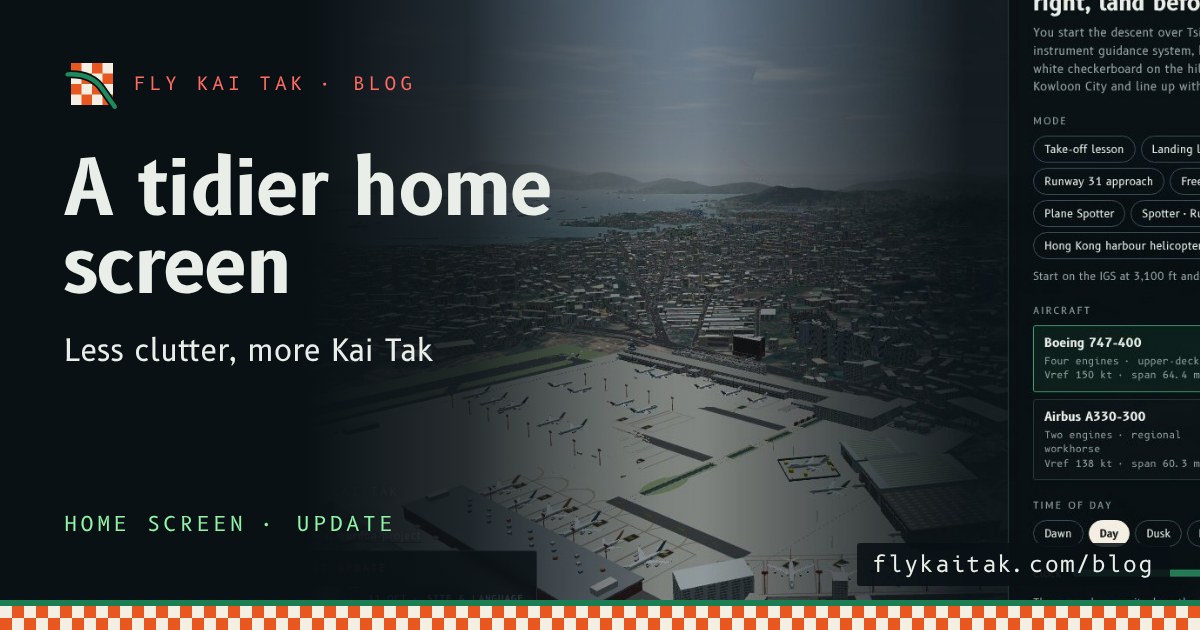
A tidier home screen
Fly Kai Tak's home screen is decluttered: flight board off by default, one latest update, no demo reel, and follow and share links moved to the menu footer.
Read the post →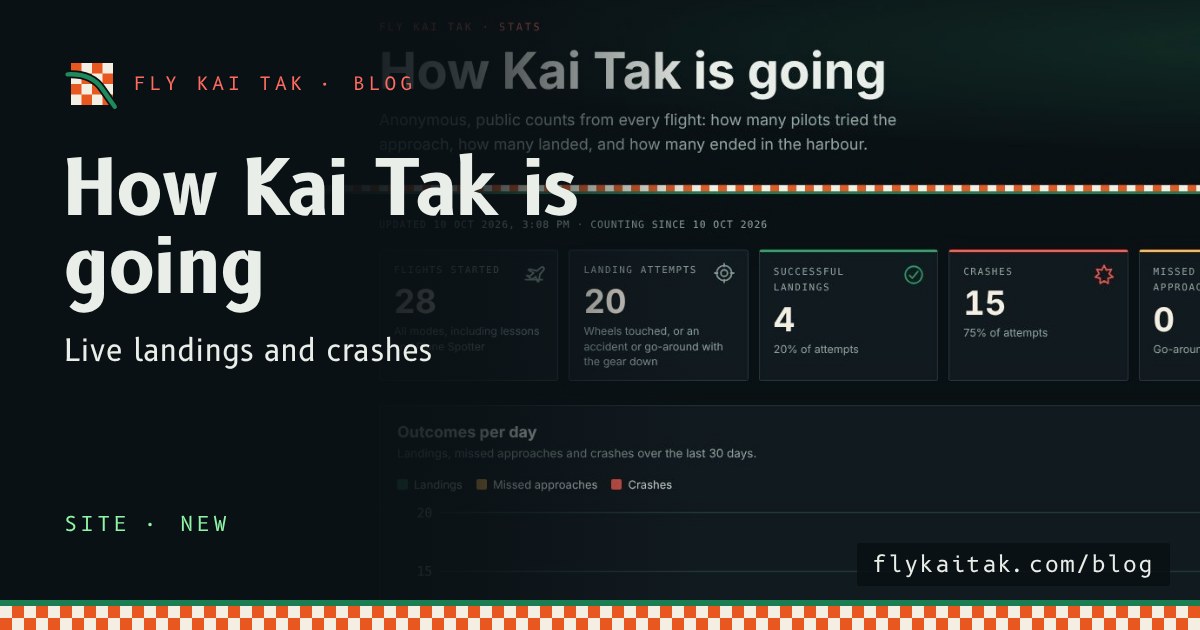
Live stats: how many pilots make it into Kai Tak
Fly Kai Tak's public stats page counts every flight: landing attempts, landings, crashes, modes, aircraft, weather and crash causes. Anonymous.
Read the post →