
Feature · Site & Language
Live Stats on the Home Screen
Flights, landings and crashes from every pilot, counted up as the home screen loads.
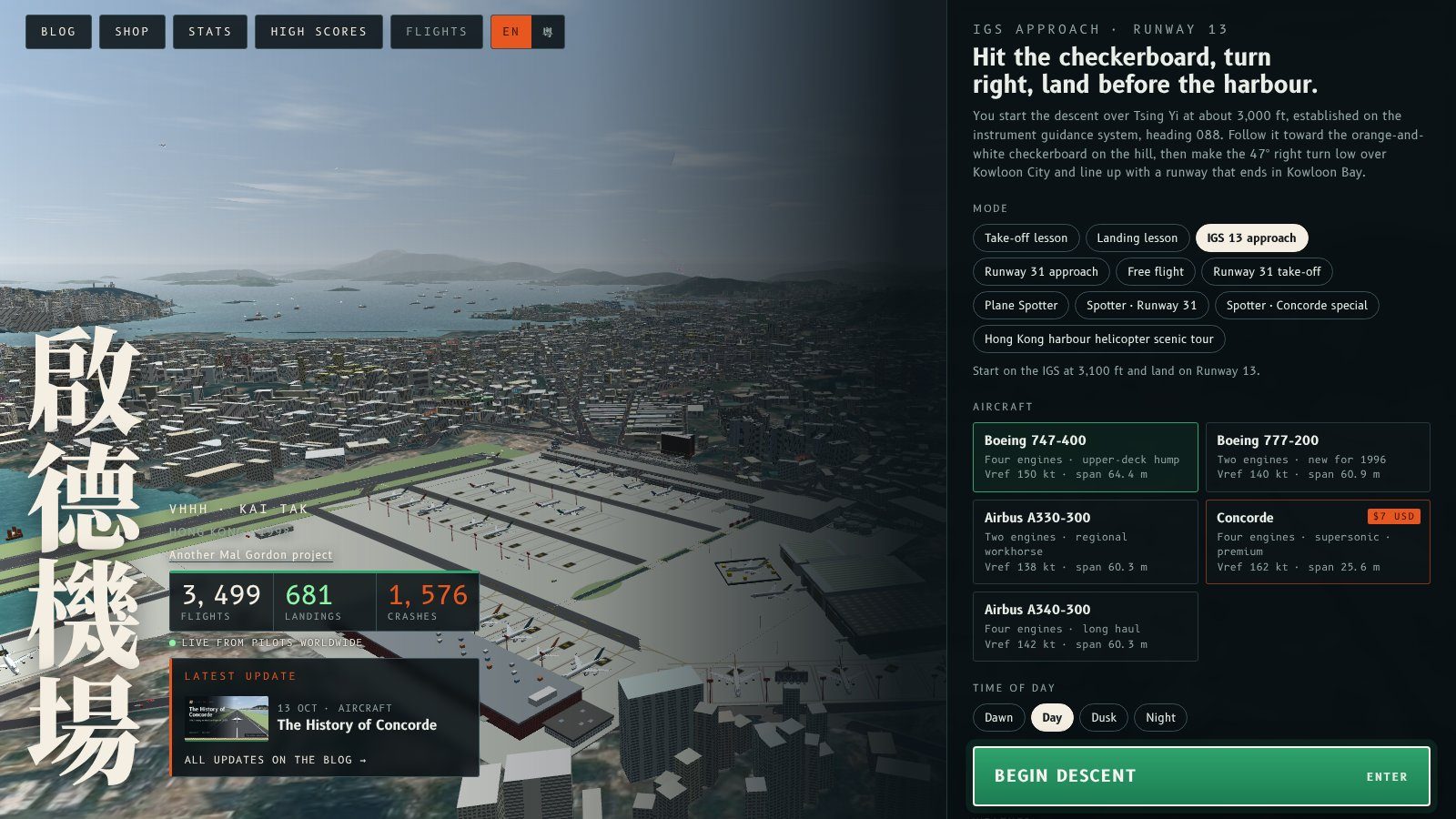
The home screen now shows three live totals from the stats page, right under the Kai Tak name: flights flown, landings made and crashes. They count up from zero as the home screen appears, and tapping the strip opens the full stats.
How it works
- The numbers come from the same anonymous counts as flykaitak.com/stats. Nothing about you is shown.
- The page ships with recent totals, so the strip never sits empty. It asks for the live totals as it loads and counts on to them when they arrive.
- The tiles slide in one after another and a green dot marks the feed as live. With reduced motion turned on in your system settings, the numbers appear at once.
- The labels switch with the EN / 粵 button like the rest of the home screen.
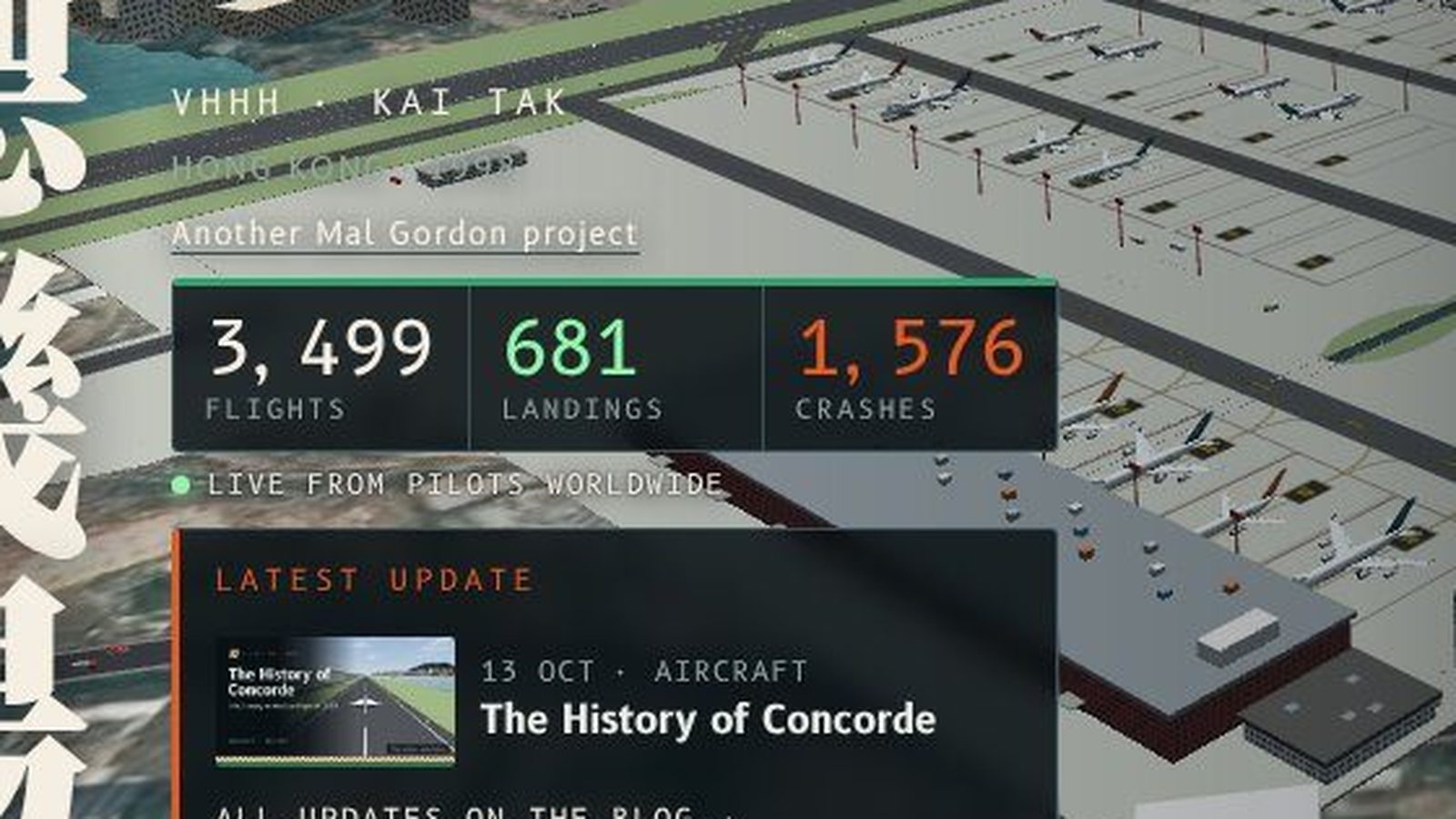
More crashes than landings so far. Kai Tak is still winning. Have a go.
主頁而家喺啟德個名下面顯示三個嚟自統計頁嘅即時總數:已飛嘅航班、成功降落同墜機。主頁一出現,啲數字就由零開始數上去;㩒一下就會打開完整統計。
點運作
- 啲數字同 flykaitak.com/stats 用同一套匿名統計,唔會顯示任何關於你嘅資料。
- 網頁本身已經帶住最近嘅總數,所以橫條唔會空白。載入時會攞即時總數,一到就繼續數上去。
- 三格會逐格滑入,綠點表示數據係即時嘅。如果你喺系統設定開咗減少動態效果,數字會即刻出現。
- 標籤會跟住 EN / 粵 掣切換,同主頁其他部分一樣。
暫時墜機多過降落,啟德仲係贏緊。試下啦。
More from the blog

The Share button now lines up
A small home screen fix in Fly Kai Tak: the Share button now lines up with the Facebook and Instagram buttons instead of sitting lower.
Read the post →
A tidier home screen
Fly Kai Tak's home screen is decluttered: flight board off by default, one latest update, no demo reel, and follow and share links moved to the menu footer.
Read the post →