
Feature · Controls & Devices
Zoom With the Mouse Wheel
Scroll up to zoom in and scroll down to zoom out, in the same 1× to 16× steps as the I and O keys.
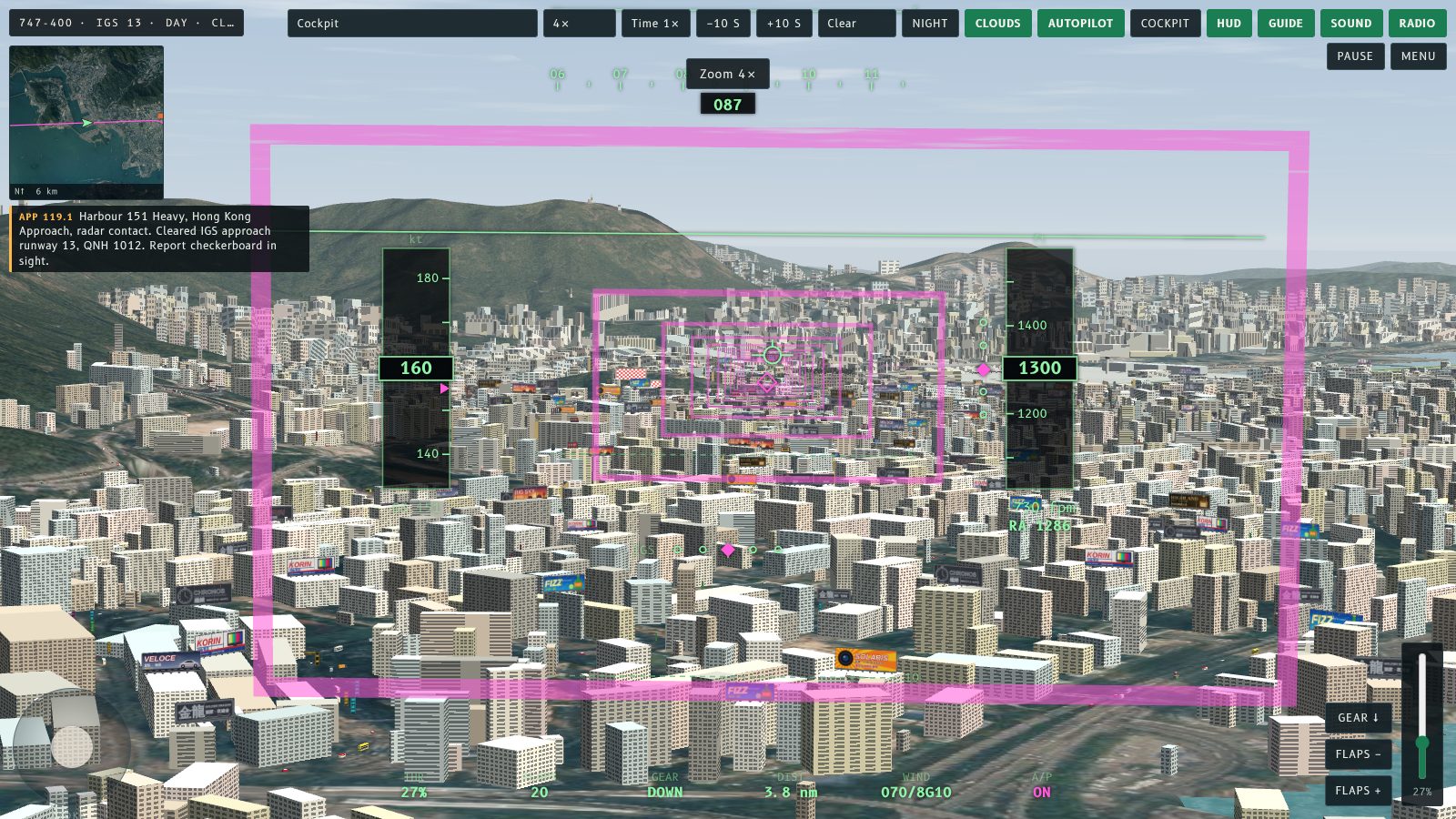
You can now zoom with the mouse wheel. Scroll up to zoom in, and scroll down to zoom out.
What changed
The wheel used to change the distance of the camera. It now uses the same zoom as the I and O keys and the Zoom menu: 1×, 2×, 4×, 8× and 16×. Each notch of the wheel moves one step, so a fast flick on a trackpad does not jump straight to 16×.
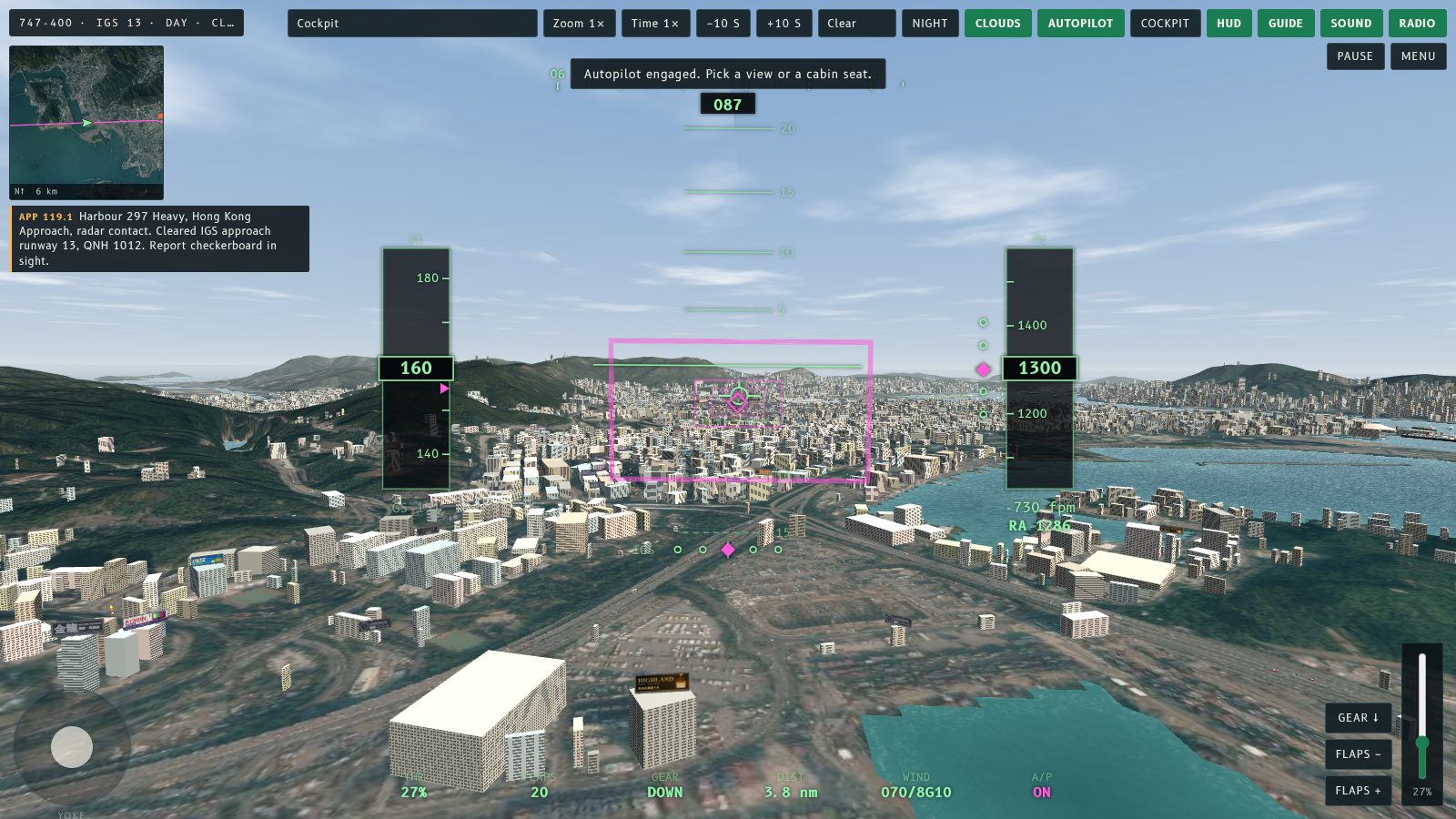
The Zoom menu and the toast at the top show the current level. Double-click still resets the look direction.
而家可以用滑鼠滾輪縮放。向上滾就放大,向下滾就縮小。
改咗啲乜
以前滾輪係轉鏡頭距離。而家用返同 I、O 鍵同 Zoom 選單一樣嘅縮放:1×、2×、4×、8× 同 16×。滾輪每一格行一級,所以喺觸控板快速一撥都唔會一下跳到 16×。
Zoom 選單同畫面頂部嘅提示會顯示而家嘅倍數。連按兩下仍然會重設視線方向。
More from the blog
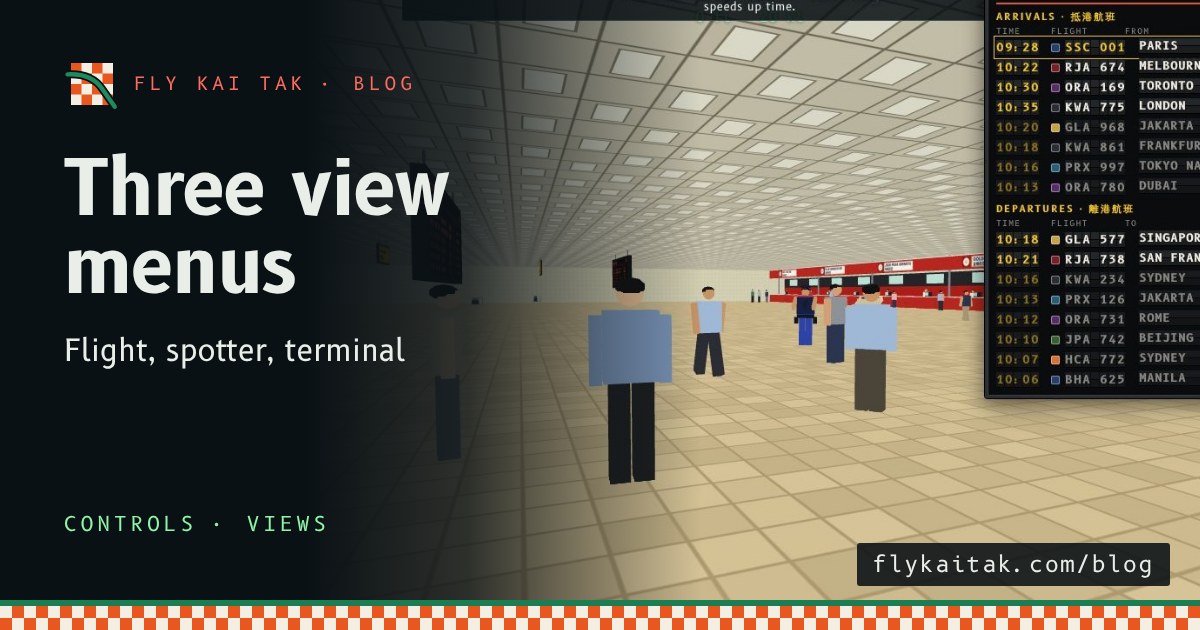
Separate menus for flight, spotter and terminal views
Kai Tak's camera menu is now three: Flight views, Plane spotter spots and a new Terminal interior menu for the hall, immigration, arcade, gate lounge, stairs and entrance.
Read the post →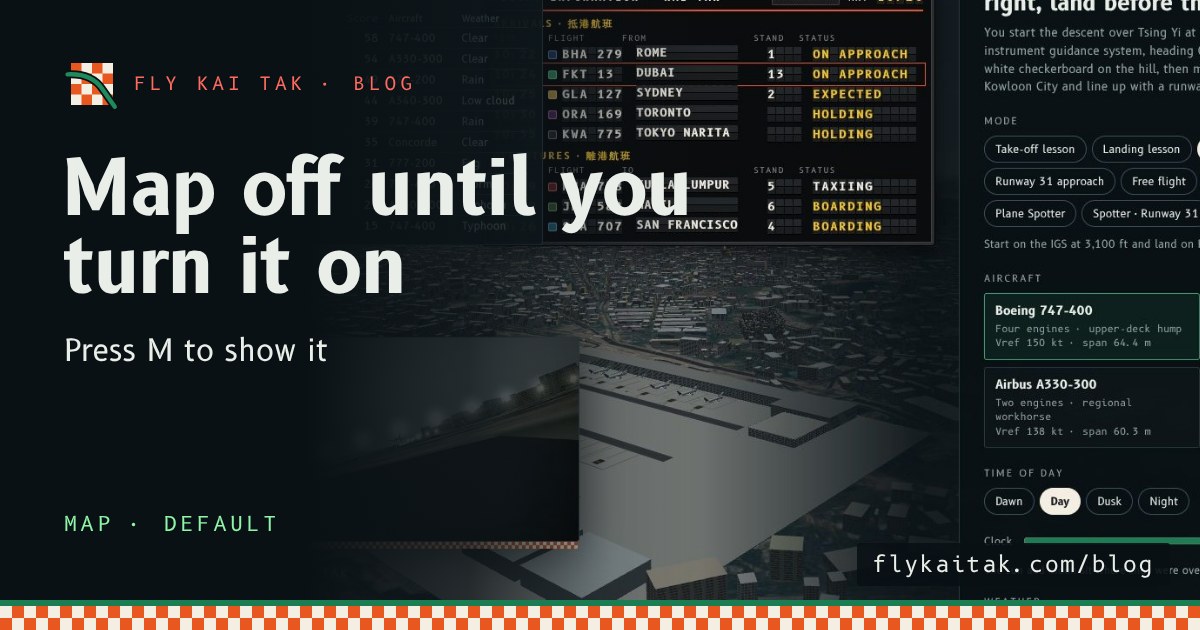
The map is off until you turn it on
Fly Kai Tak's corner map now starts hidden on the home screen and in flights. Press M or tick Map with live aircraft under Options to show it.
Read the post →