
Feature · Site & Language
Home Screen Shows Your Day, Night and Weather Choices
The live view behind the menu now changes as you pick day or night, weather, clouds and lightning.
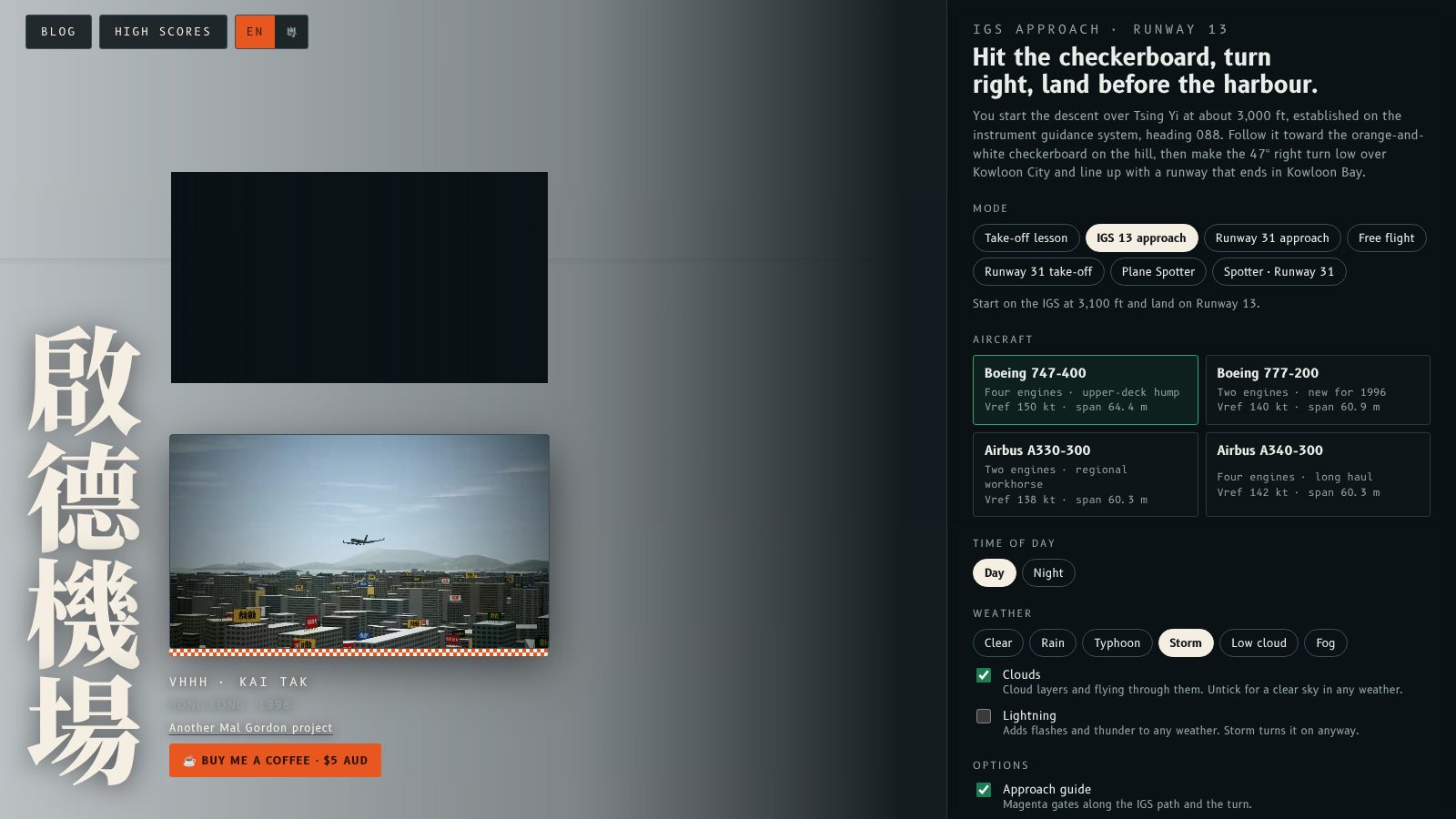
The picture behind the home screen now follows your choices. Tap Day or Night, pick a weather preset, or switch Clouds and Lightning on or off, and the live view of Kowloon changes straight away. You see what you are about to fly into before you press Begin descent.
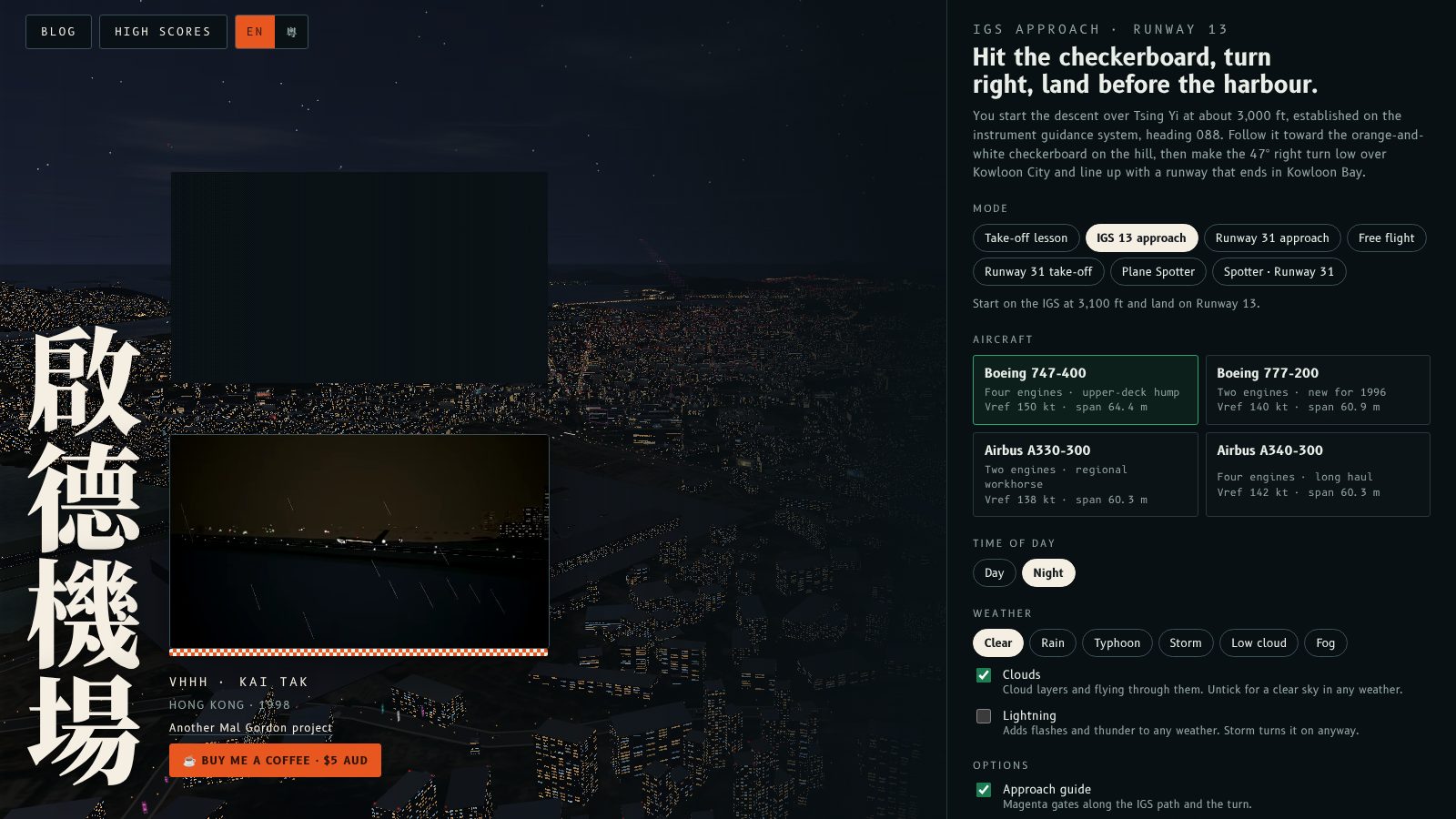
The demo reel inset beside the title is a recording, so it stays as it is. Only the live view behind the menu changes. Your settings carry through when you start a flight, and the autopilot still lands in every weather preset.
主畫面後面嘅畫面而家會跟住你嘅選擇即時變。㩒日間或夜間、揀天氣,或者開關雲同閃電,後面嘅九龍實時畫面即刻轉。未㩒 Begin descent 之前,就睇到自己會飛入乜嘢天氣。
標題旁邊嘅示範影片係錄影,所以唔會變,只有選單後面嘅實時畫面會跟住變。你嘅設定會帶入飛行,自動駕駛喺每個天氣預設都仍然可以降落。
More from the blog

The Kai Tak shop is open
Fly Kai Tak has a merch shop: checkerboard and IGS 13 tees, a Runway 13 cap, a 1998 patch, a pin, a poster, a mug and stickers.
Read the post →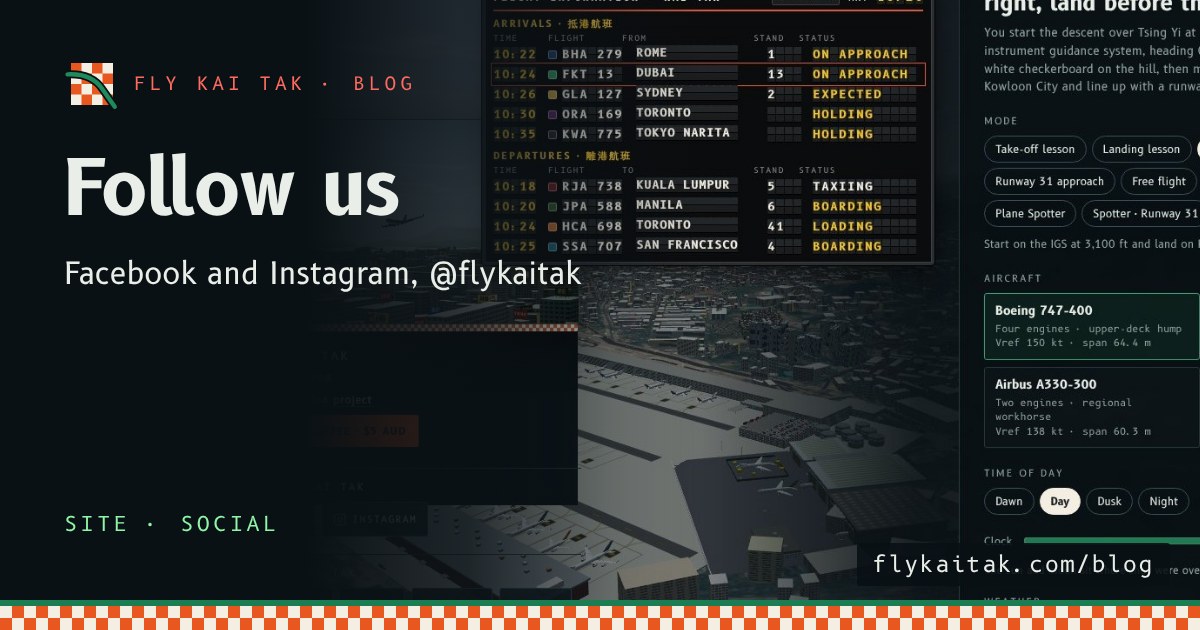
Follow Fly Kai Tak on Facebook and Instagram
Follow Fly Kai Tak on Facebook and Instagram at @flykaitak. Both are now linked from the home screen and every blog page.
Read the post →