
Update · Site & Language
A progress bar while the sim loads
The loading screen now shows a bar and a percentage, so you can see how far along it is.
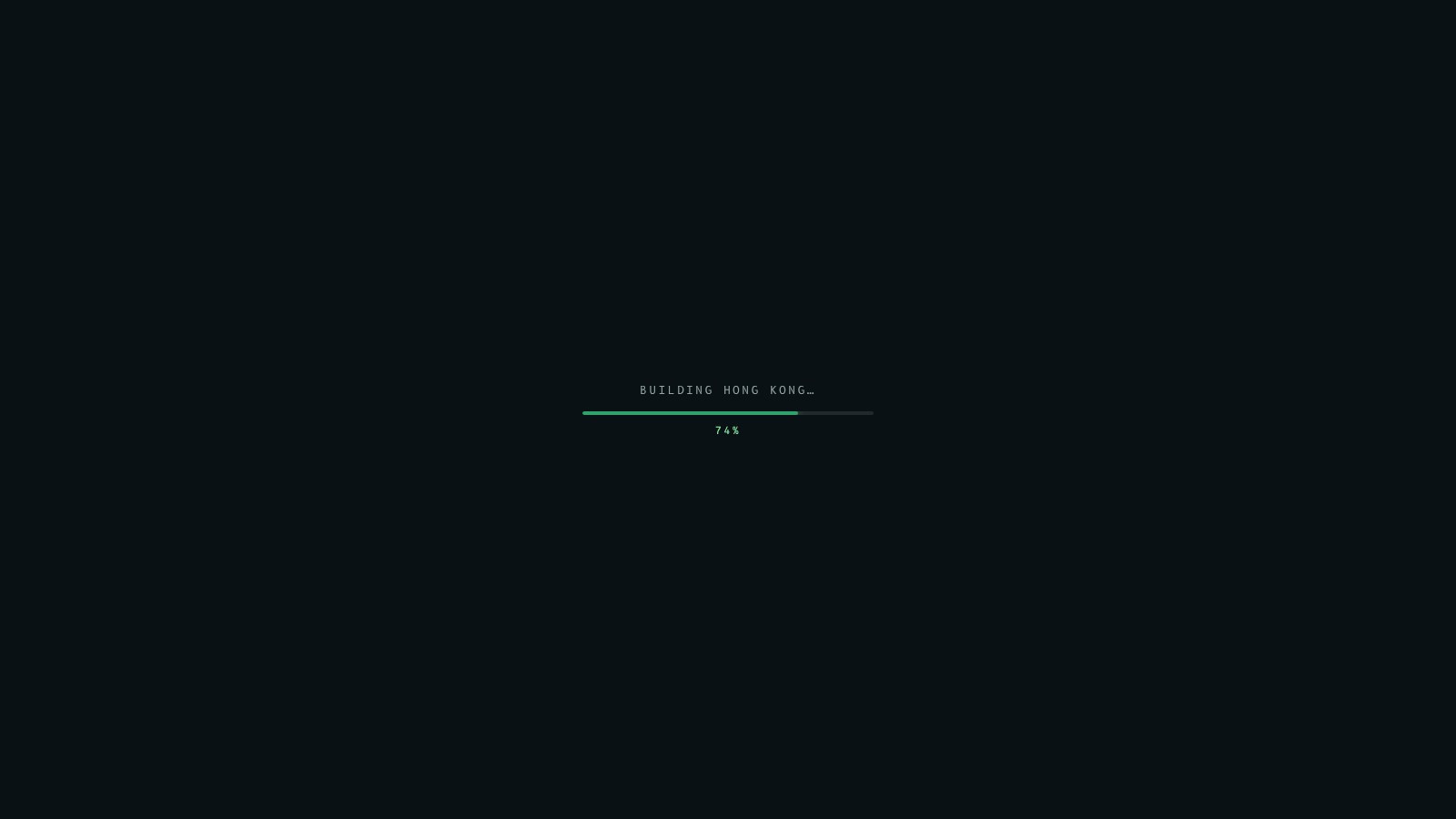
The home screen now shows a progress bar while Fly Kai Tak loads, with a percentage under it, so you can see how far along it is and roughly how long is left.
What you see
- A bar and a percentage under the "Building Hong Kong" message. The first part is the map, terrain and aerial photos downloading; the rest is the city, airport, port and ships being built.
- The bar moves after each stage, so the page no longer sits on one message for several seconds.
- If the map data cannot load, or WebGL is not available, the message says so and the bar is hidden.
The autopilot still lands in every weather preset, and flying with no input still ends in a crash.
Fly Kai Tak 載入時,主畫面而家會顯示進度條同百分比,一眼就知載入到幾多、仲要等幾耐。
你會見到咩
- 「Building Hong Kong」字樣下面有條進度條同百分比。頭一段係地圖、地形同航拍相下載,之後係起緊城市、機場、港口同船隻。
- 每完成一個階段,進度條就前進一格,唔會再停喺同一句字幾秒。
- 如果地圖資料載入唔到,或者瀏覽器冇 WebGL,會顯示提示,進度條會隱藏。
自動降落喺所有天氣預設都仍然成功,完全唔操作飛機仍然會墜毀。
More from the blog
Site & Language
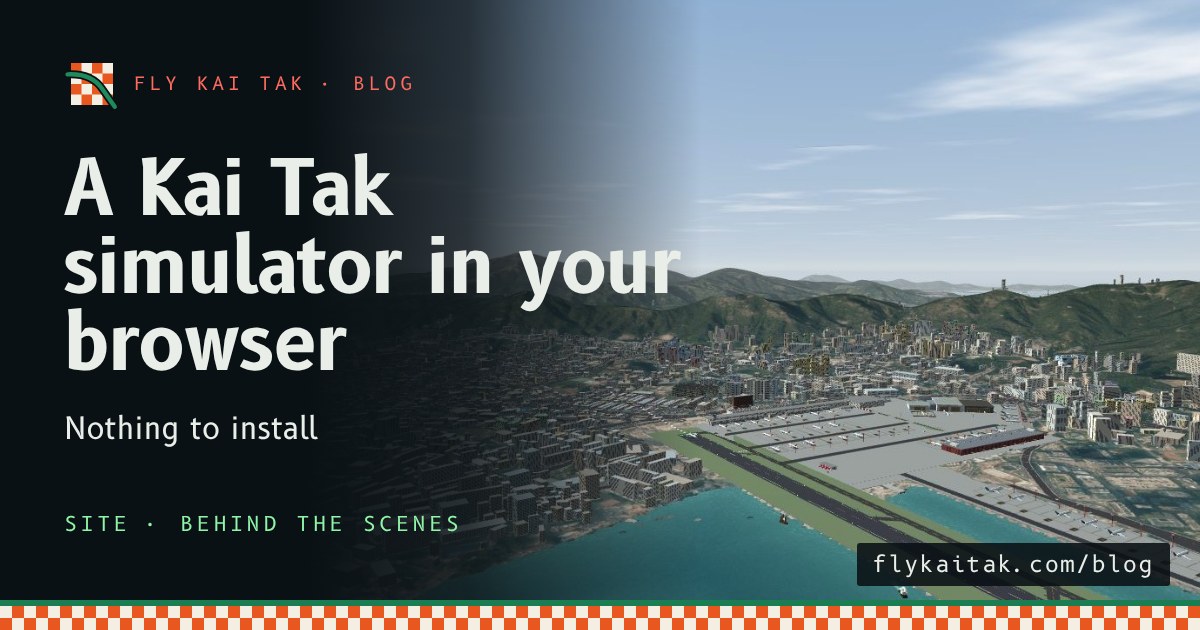
A Kai Tak simulator that runs in your browser
Fly Kai Tak runs in a web browser with nothing to install. How the simulator is put together: one page, Three.js and Hong Kong open data.
Read the post →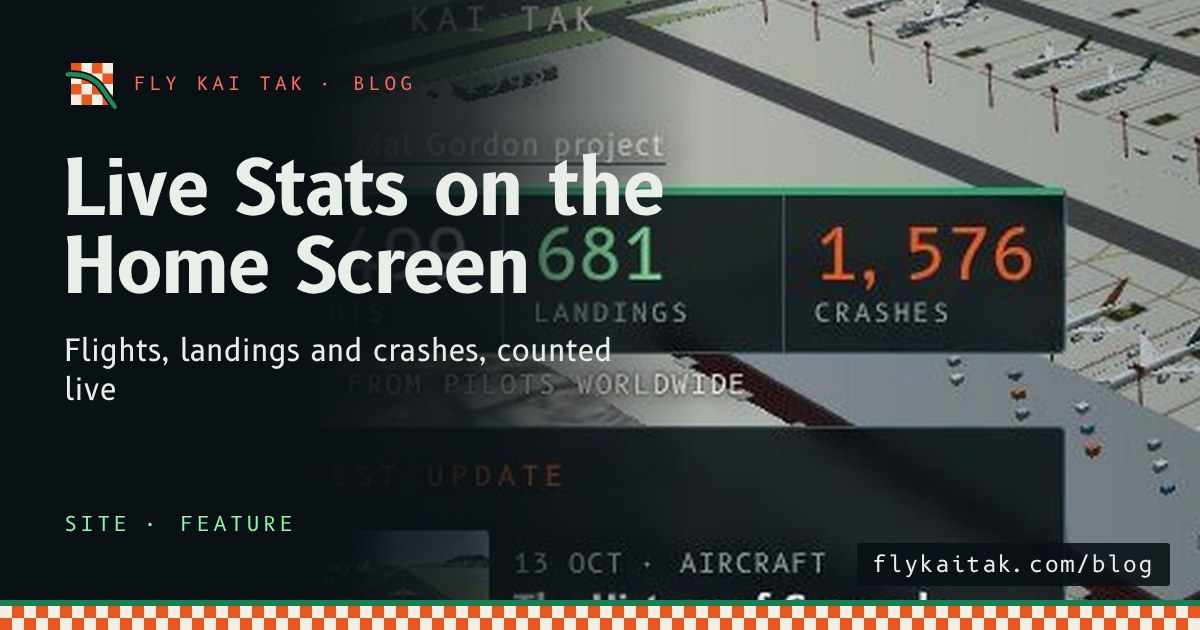
Site & Language
Live Stats on the Home Screen
The Fly Kai Tak home screen now shows live totals of flights, landings and crashes, animated as the page loads and linked to the stats page.
Read the post →