

VHHH · IGS 13 · 1998
The Fly Kai Tak blog
New features, bug fixes and notes from the Kai Tak approach.
Latest posts
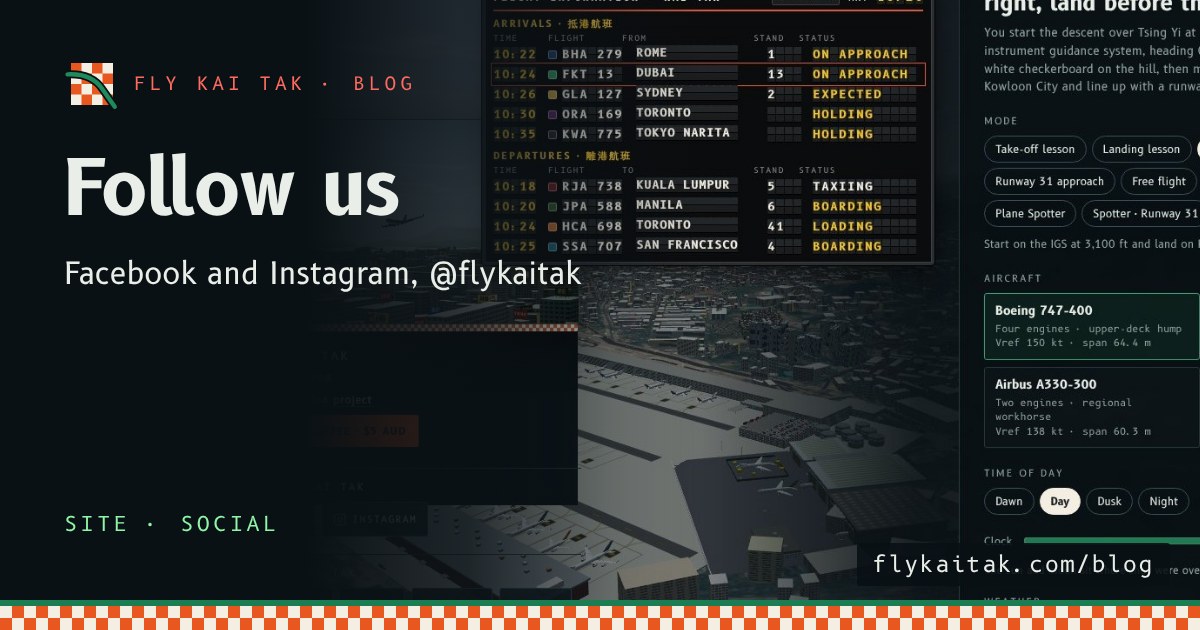
Follow Fly Kai Tak on Facebook and Instagram
Follow Fly Kai Tak on Facebook and Instagram at @flykaitak. Both are now linked from the home screen and every blog page.
Read the post →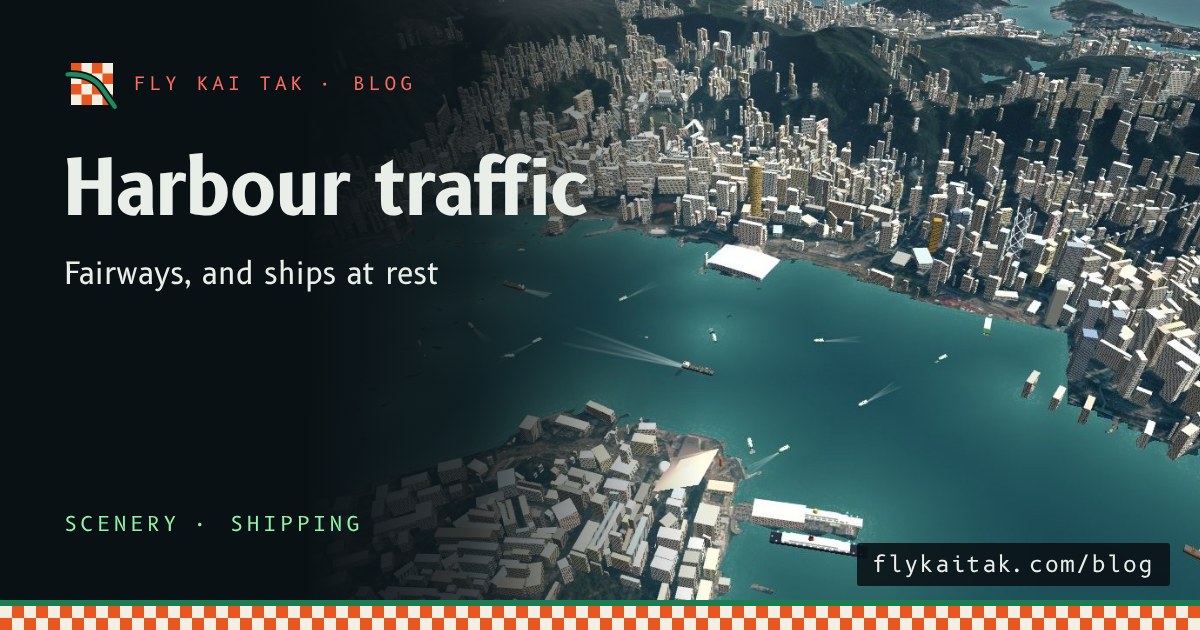
Harbour shipping follows the fairways
Moving ships follow the Marine Department fairways and traffic separation schemes, one way and keeping right, while most harbour vessels lie moored or at anchor.
Read the post →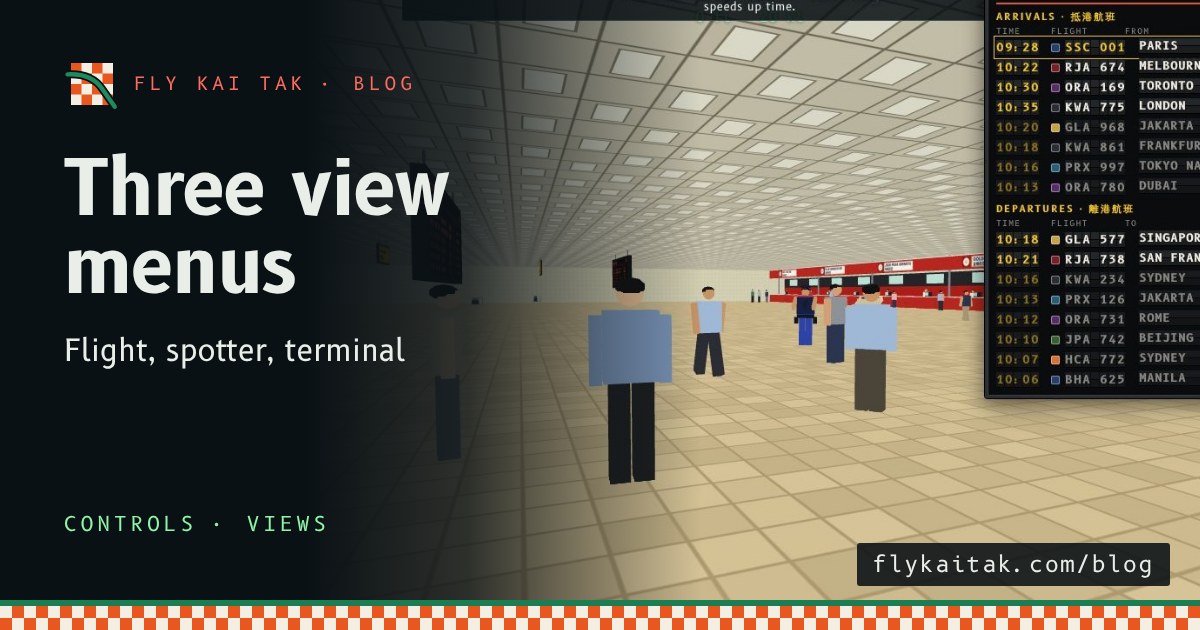
Separate menus for flight, spotter and terminal views
Kai Tak's camera menu is now three: Flight views, Plane spotter spots and a new Terminal interior menu for the hall, immigration, arcade, gate lounge, stairs and entrance.
Read the post →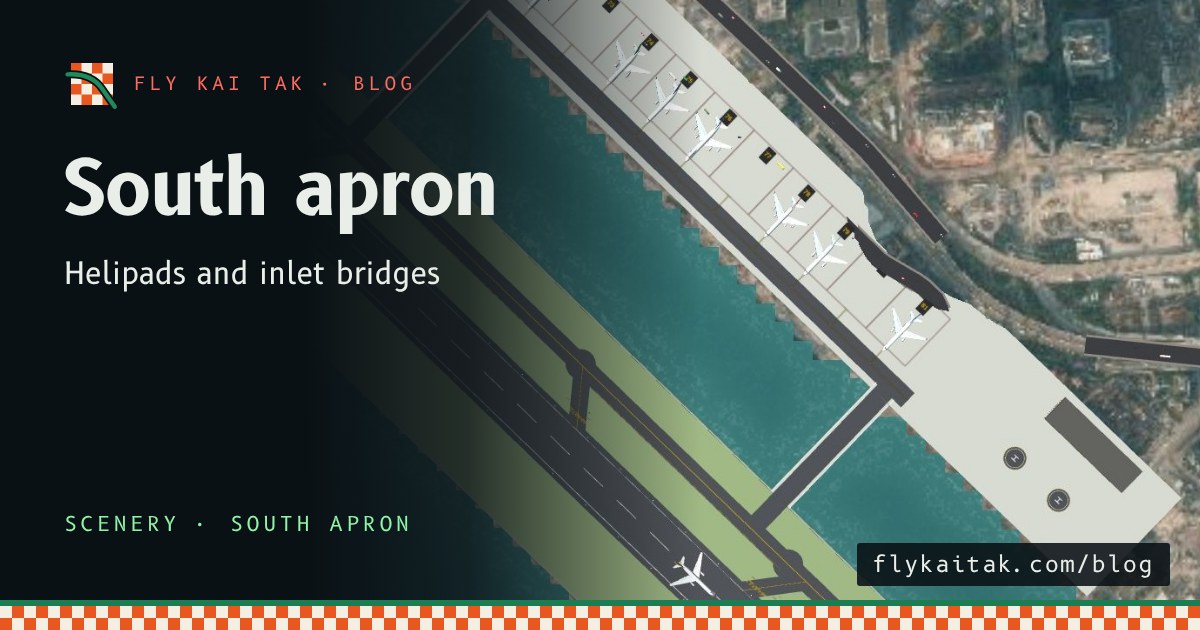
South apron, helipads and inlet taxiways
Kai Tak's south apron with stands 71-81, helipads and taxiway bridges over the inlet, plus fuel tanks beside the terminal and bitumen at the maintenance hangars.
Read the post →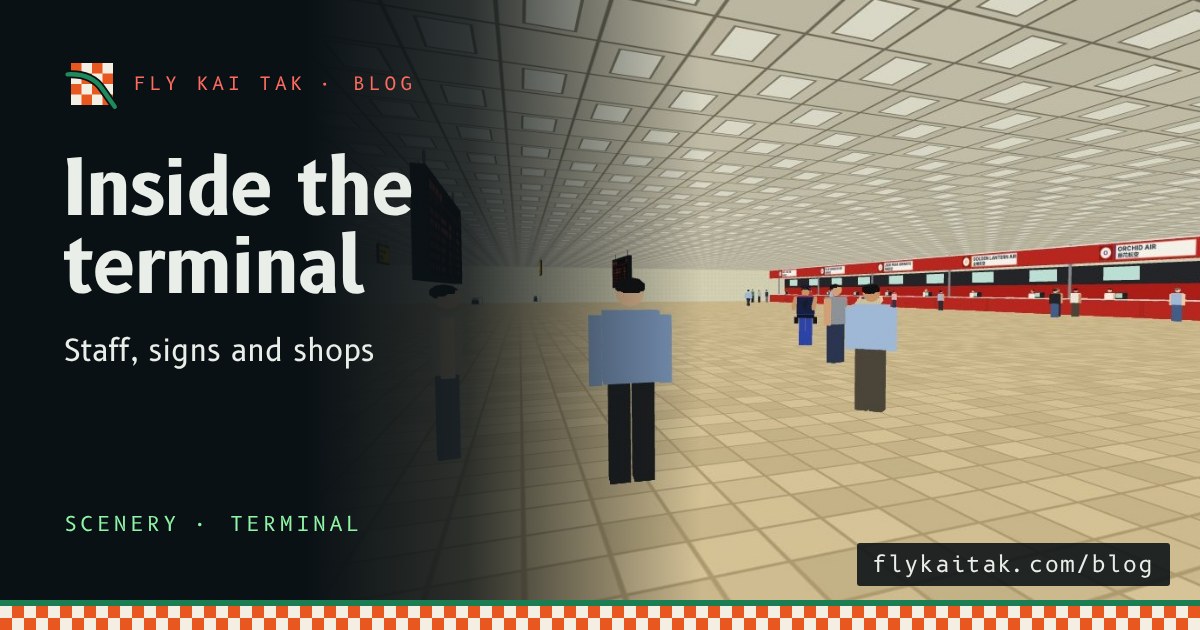
Inside the 1998 terminal: staff and signs
The Kai Tak terminal now has a 1998 interior: check-in desks, departure immigration, a shop arcade, arrivals, signs and staff including armed security.
Read the post →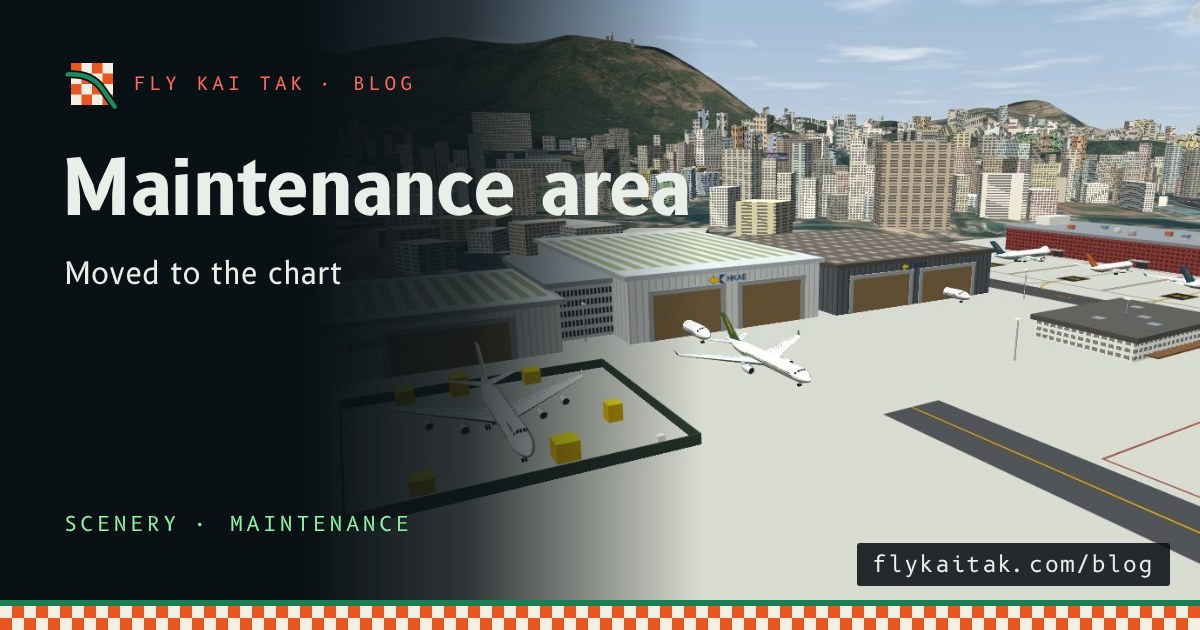
Maintenance area moved to the chart position
The Kai Tak maintenance area is repositioned to match the 1996 parking chart and airport plan: hangars, workshop tower, compound and offices turned to the chart angle.
Read the post →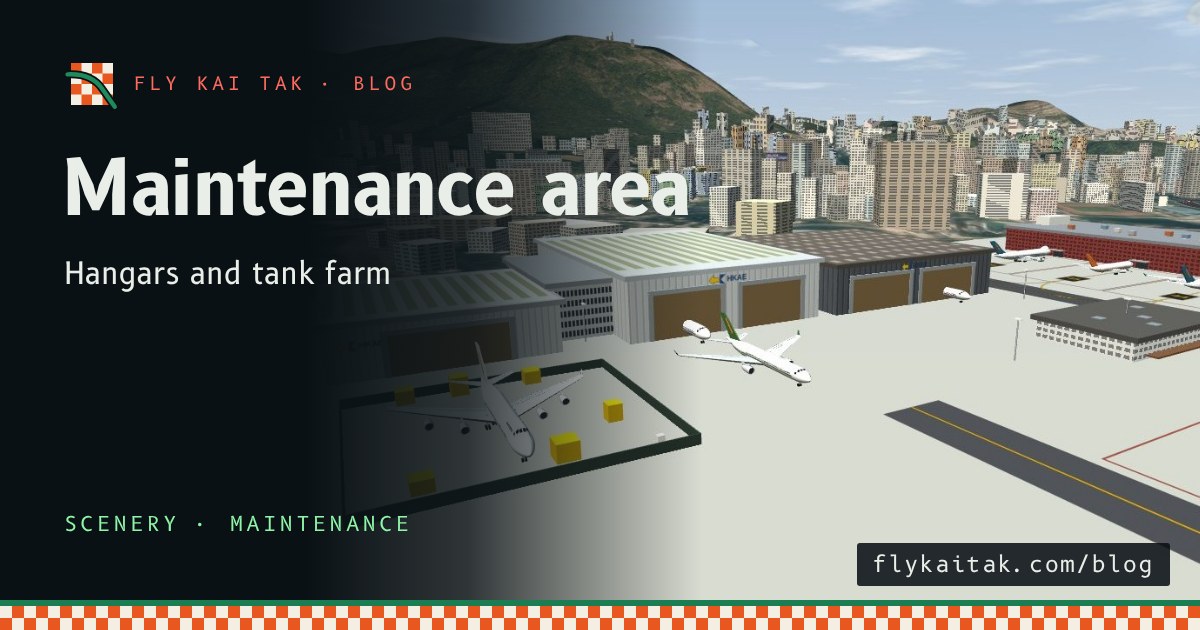
Maintenance area: hangars and tank farm
Kai Tak's maintenance area now has three hangars with lit bays, a workshop tower, a fenced aircraft compound, a blast fence, floodlights and a fuel tank farm.
Read the post →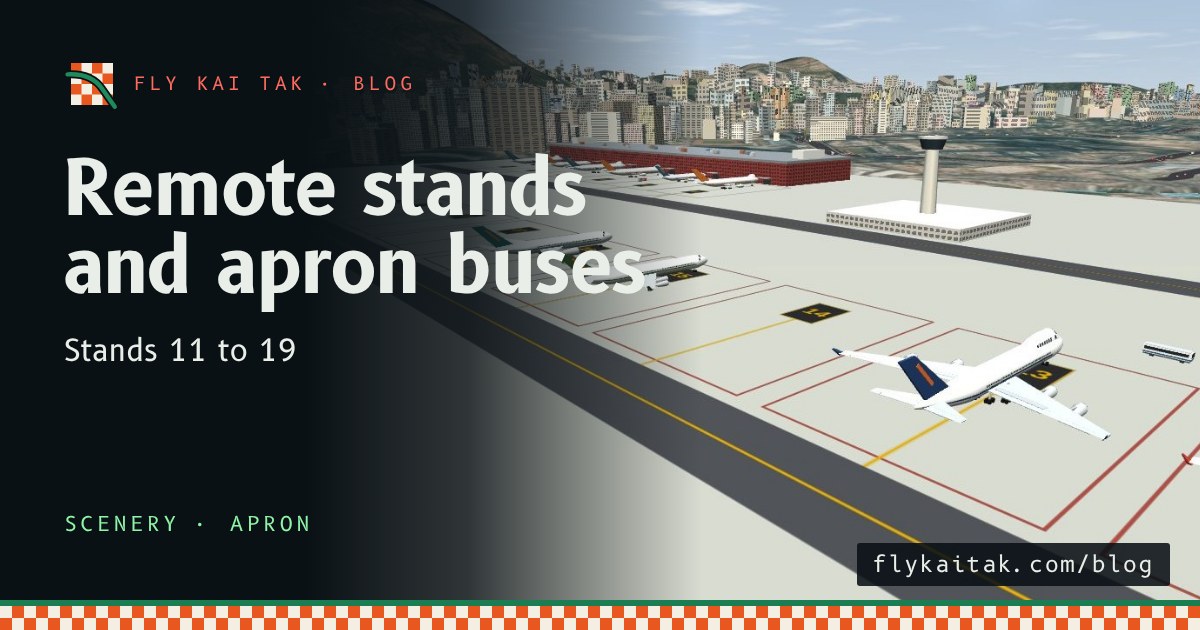
Remote stands and apron buses
Remote stands 11 to 19 at Kai Tak hold parked aircraft, and apron buses run from a new bus gate to their doors when no jet bridge is free.
Read the post →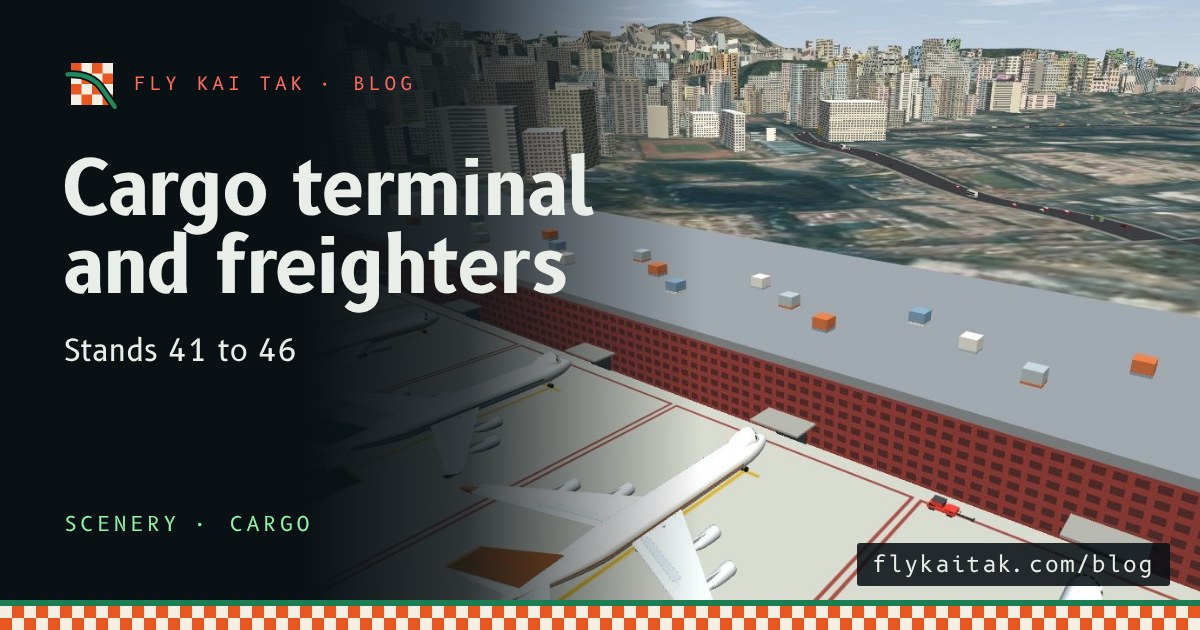
Cargo terminal and freighters
Kai Tak gets a cargo terminal with stands 41 to 46, 747-400F and A300-600F freighters in the schedule, cargo loaders and trucks, plus new hangars and car park detail.
Read the post →
Real Housing Authority estates
Public housing estates now use the Housing Authority's estate list: the 101 estates from 1998 inside the map, each rebuilt from its real block types and heights.
Read the post →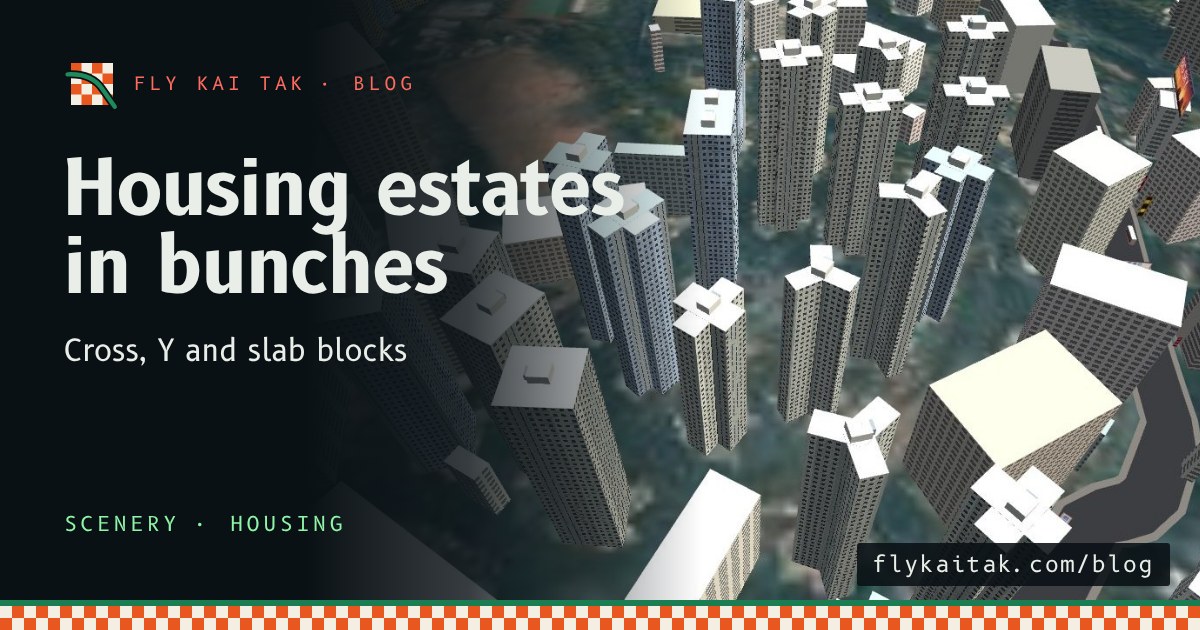
Public housing estates in bunches
Hong Kong public housing blocks (Harmony, Trident, Twin Tower and slab) now stand in matching estates in the sim, with pastel facades, air-conditioners and roof tanks.
Read the post →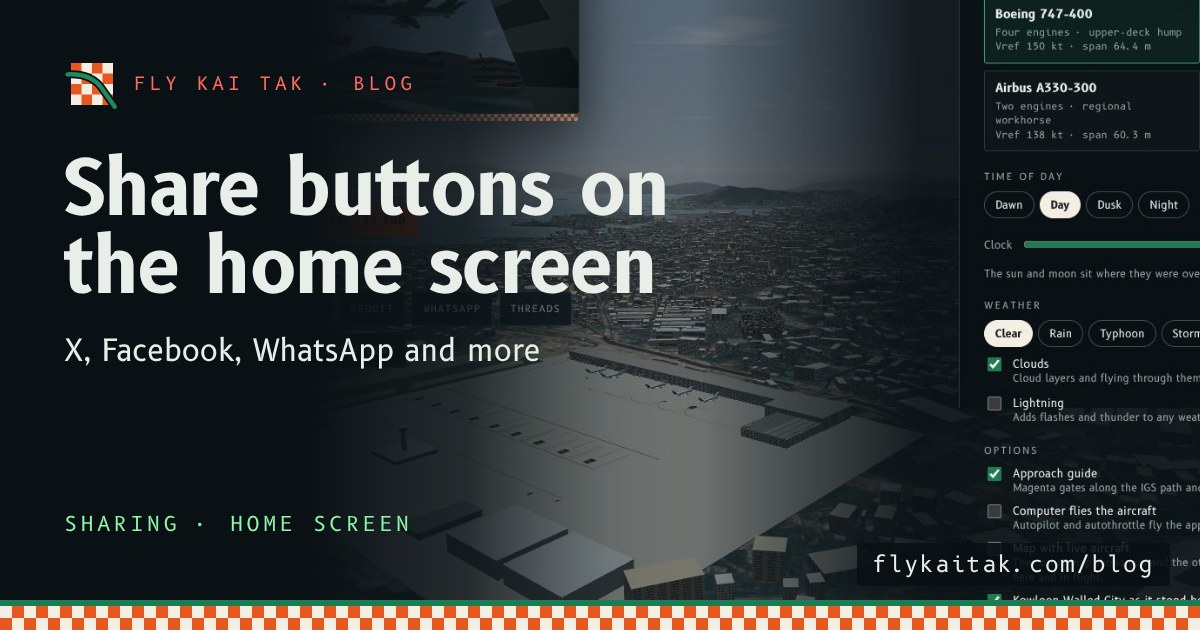
Share buttons on the home screen
The home screen now has share buttons for X, Facebook, Reddit, WhatsApp, Threads, email, copy link and the system share sheet, in English or Cantonese.
Read the post →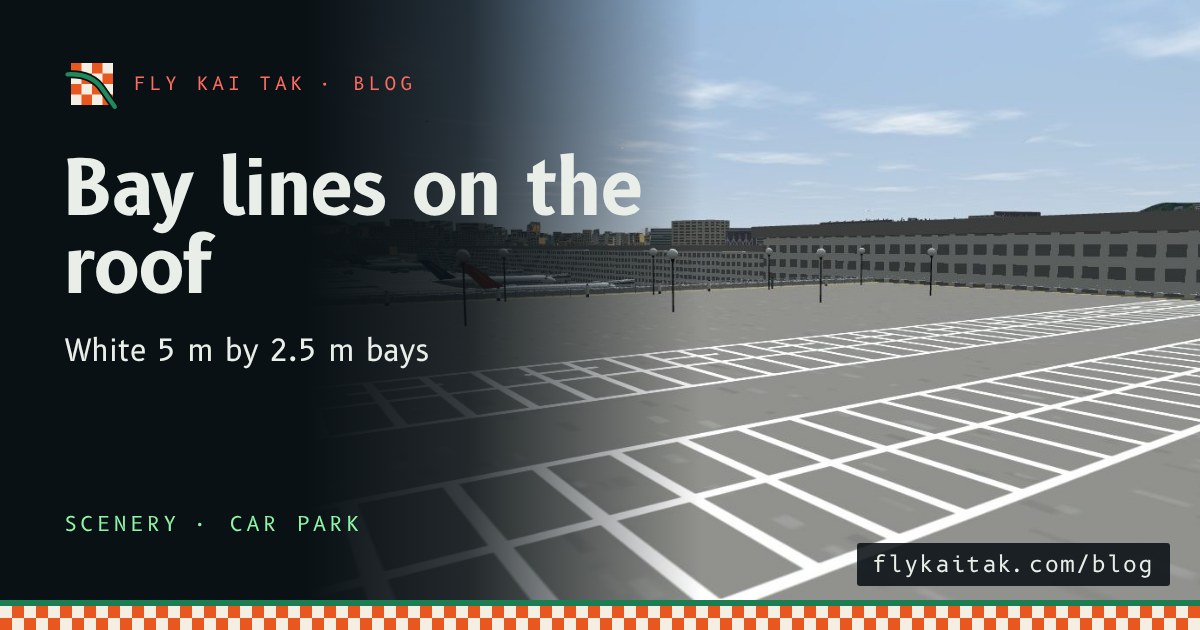
Bay lines on the car park roof
The Plane Spotter car park roof now has white parking bay lines: a row against the far wall and three double rows with aisles between them.
Read the post →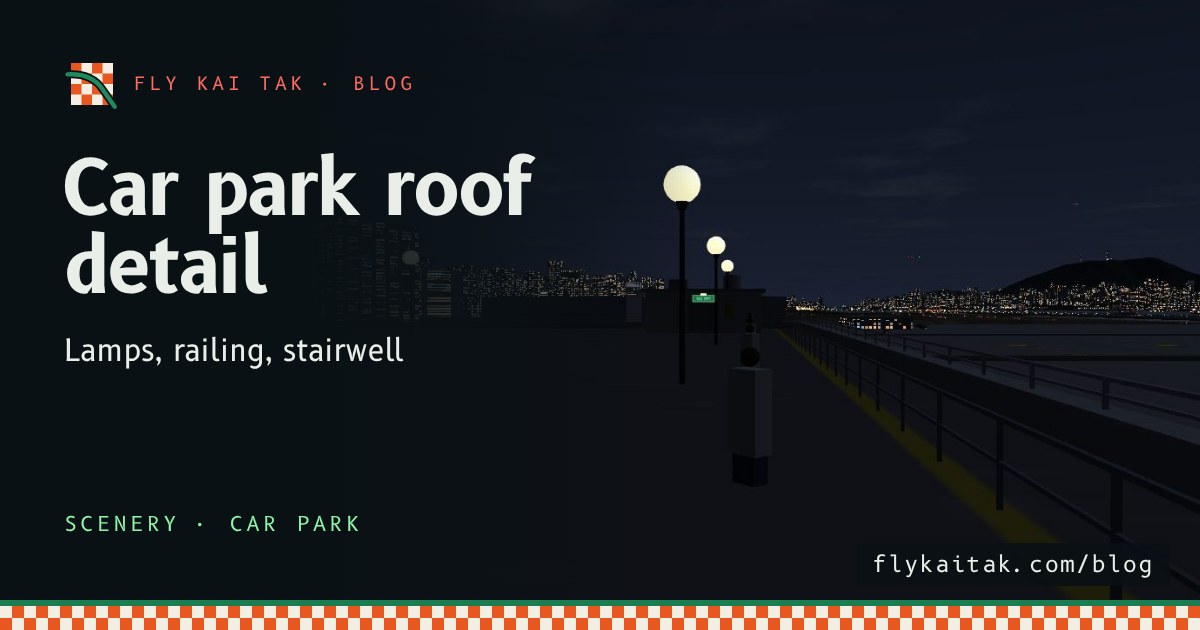
More detail on the car park roof
The Plane Spotter car park roof now has globe lamps, a pipe railing and crowd barrier, a painted deck and a stairwell entry with exit and caution signs.
Read the post →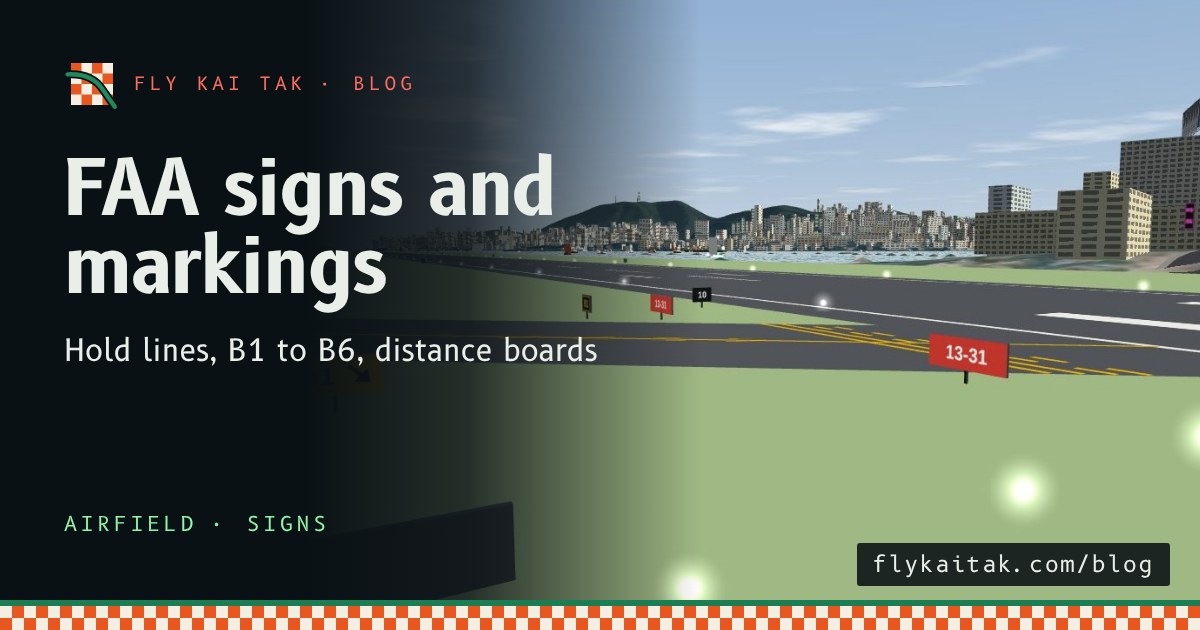
FAA signs and markings on the airfield
Fly Kai Tak now has FAA-style airfield signs and markings: touchdown-zone bars, hold lines, link taxiways B1 to B6, and mandatory, location, direction and distance signs.
Read the post →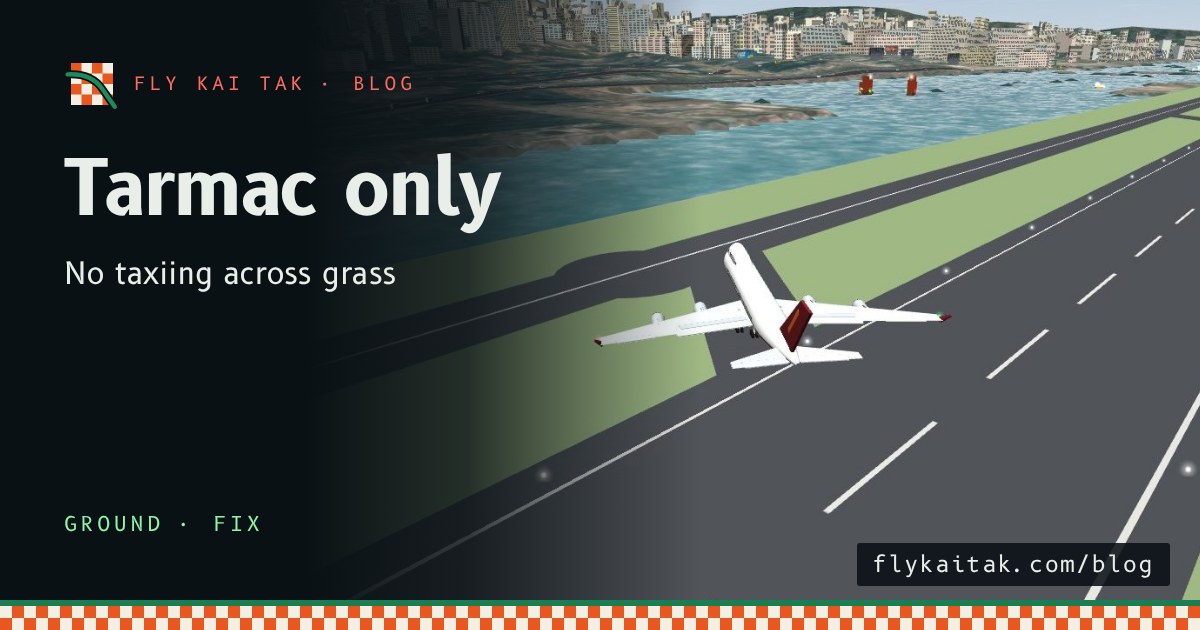
Fix: Aircraft Stay on the Tarmac
Fly Kai Tak ground fix: arrivals leave the runway by a link taxiway, every aircraft keeps its wheels on the tarmac, and the grass is off limits.
Read the post →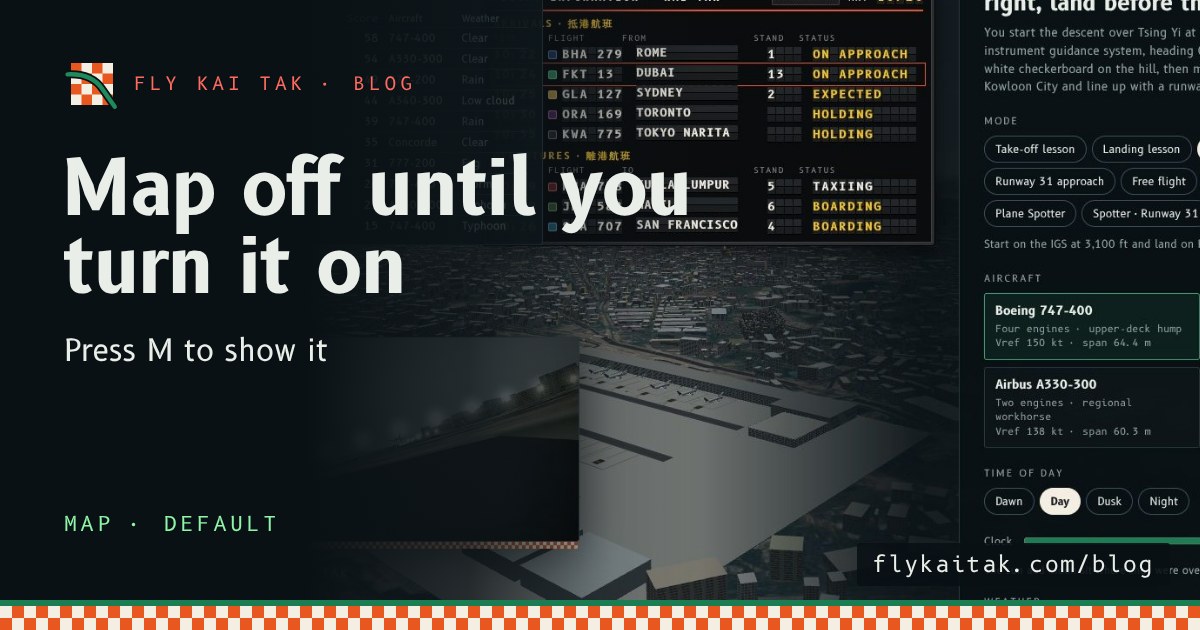
The map is off until you turn it on
Fly Kai Tak's corner map now starts hidden on the home screen and in flights. Press M or tick Map with live aircraft under Options to show it.
Read the post →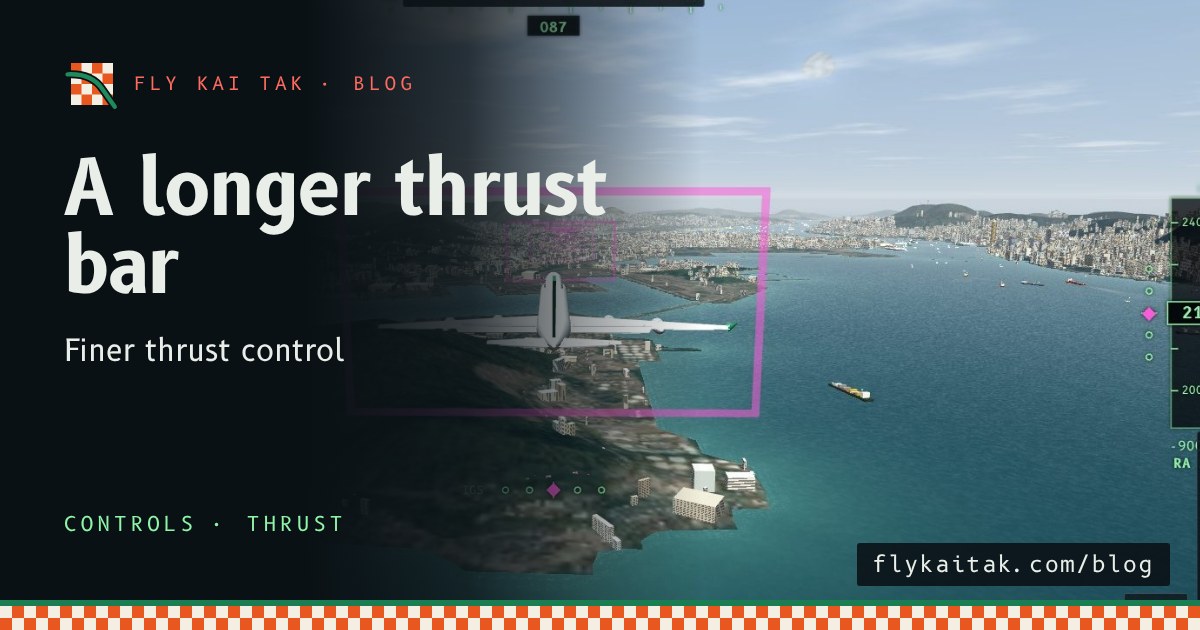
A longer thrust bar for finer control
Fly Kai Tak's thrust lever bar is now up to 260 px tall on desktop and 170 px on landscape phones, giving finer control of thrust.
Read the post →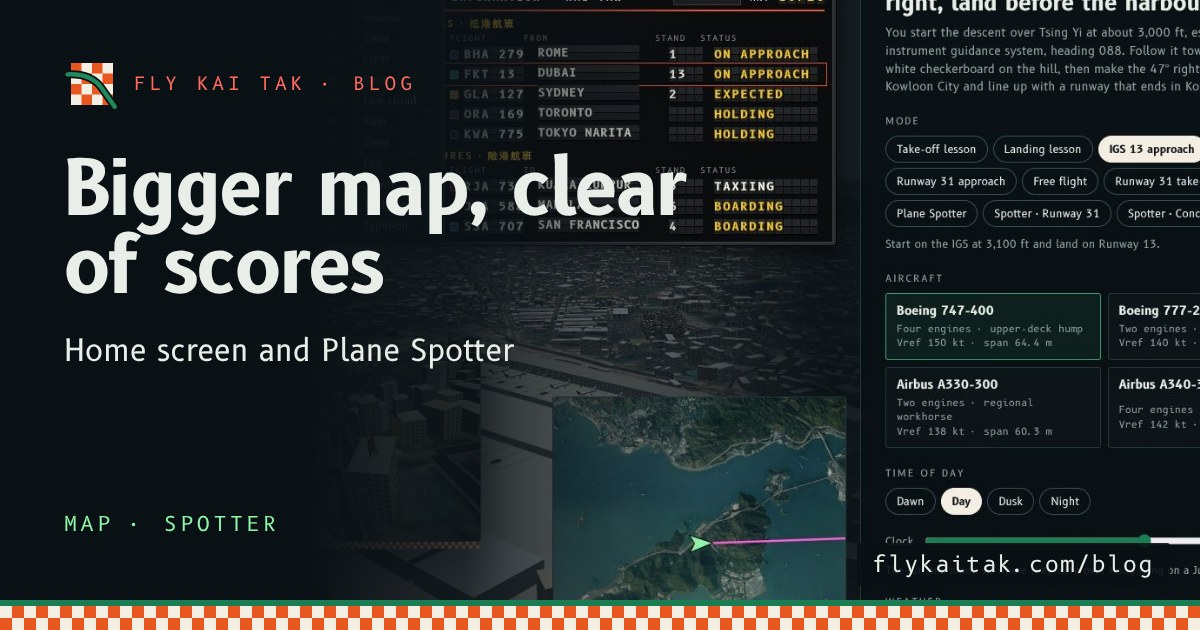
A bigger map on the home screen and in Plane Spotter
Fly Kai Tak's corner map is now double size on the home screen and in Plane Spotter, and the home screen map moves clear of the High scores panel.
Read the post →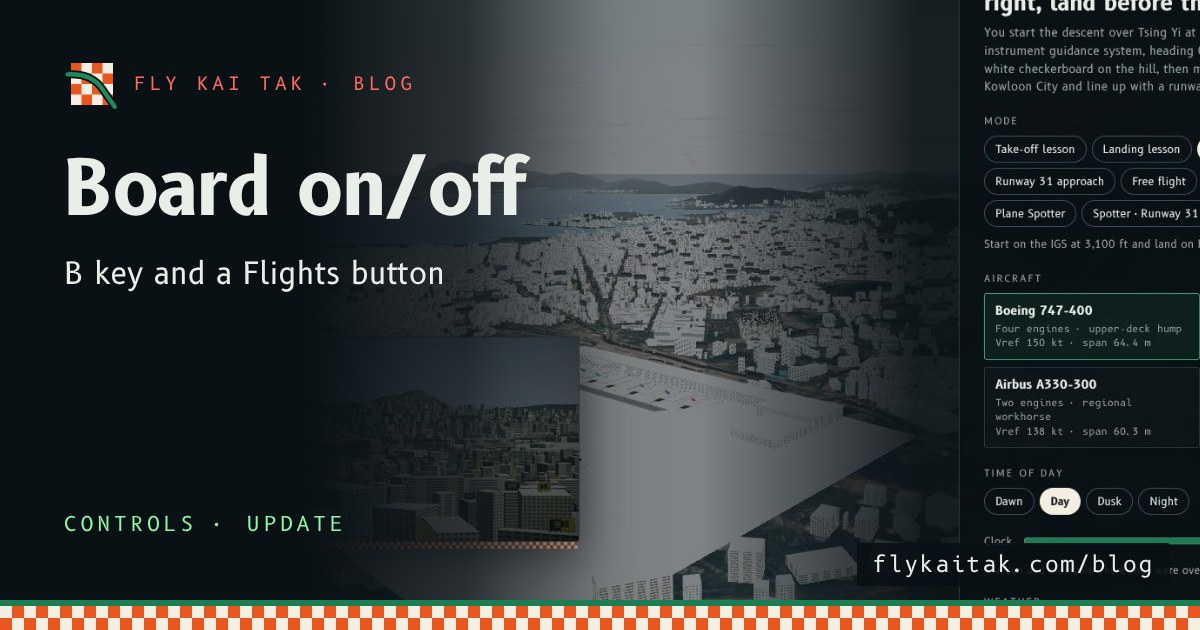
Flight Board Key and Button
Switch the Fly Kai Tak flight information board on and off with the B key on the home screen as well as in Plane Spotter, or with the new Flights button.
Read the post →